



In the competitive world of online retail, manual tasks are a direct threat to growth. Juggling abandoned cart recovery, marketing campaigns, inventory management, and order fulfillment leaves little time for strategic planning. The key to scaling your operations and outperforming competitors lies in implementing effective ecommerce automation tools. These platforms handle the repetitive, time-consuming processes, allowing you to focus on high-impact activities like product development and customer relationships.
This guide is designed to help you navigate the crowded market of automation software. We’ve done the research to identify and categorize the most powerful tools available, from specialized SMS cart recovery solutions to comprehensive marketing and fulfillment platforms. Instead of generic descriptions, you’ll find a practical breakdown of each tool’s core function, ideal use case, and key integrations with platforms like Shopify and WooCommerce. The goal is to eliminate guesswork and help you build a more efficient, profitable, and scalable online store.
For every tool listed, we provide direct links and crucial insights to help you make an informed decision. We’ll explore solutions for everything from email and SMS marketing to complex inventory and shipping workflows. Manually handling these processes not only consumes valuable hours but also introduces a significant risk of costly errors. To fully grasp the financial and operational impact of forgoing automation, consider this detailed analysis of the true cost of manual order screening versus automated restrictions, which highlights the hidden expenses that can erode your profit margins. This list will equip you with the knowledge to select the right automation stack for your specific business needs.
1. CartBoss
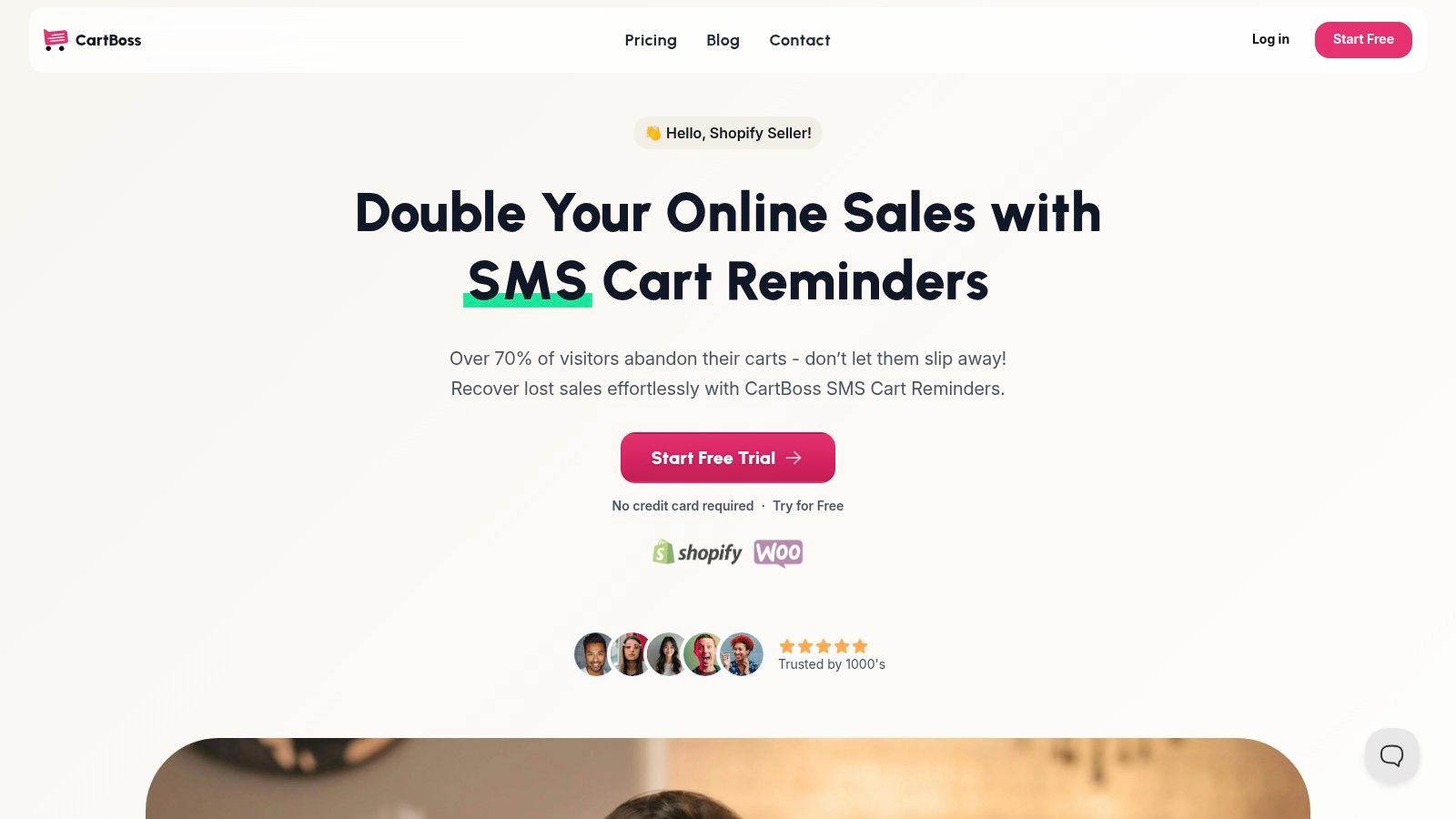
CartBoss establishes itself as a premier SMS cart recovery tool by focusing on one thing and executing it with exceptional precision: turning abandoned checkouts into profitable sales. It’s an indispensable asset for Shopify and WooCommerce stores aiming to automate a critical revenue recovery channel. The platform’s core strength lies in its “plug-and-play” model, allowing merchants to launch sophisticated, multi-language SMS campaigns within minutes of a no-code installation.
This isn’t just about sending a generic reminder. CartBoss automates the entire recovery workflow, from sending perfectly timed messages to pre-filling the customer’s checkout with their original items and even applying a dynamic discount code to sweeten the deal. This frictionless experience is key to its reported 50%+ click-through rates and impressive ROI.
Why It Stands Out
What makes CartBoss a standout among ecommerce automation tools is its intelligent, global-first approach to messaging. The system automatically detects a visitor’s language and sends a pre-translated message from a library of over 30 languages. This removes the operational burden of localization while significantly boosting engagement with international customers. Combined with GDPR and CCPA compliance features, branded sender IDs, and “Do Not Disturb” scheduling, it provides a powerful yet responsible communication engine.
Use Case: Recovering International Abandoned Carts
Imagine a European-based store that sells to customers across the continent. A shopper from Spain abandons their cart. Instead of receiving a generic English message or nothing at all, CartBoss automatically detects their location and sends a perfectly timed, native Spanish SMS with a direct link to their pre-filled cart. This single feature eliminates language barriers, dramatically increasing the likelihood of conversion and building customer trust. For deeper insights, you can explore strategies to reduce cart abandonment on the CartBoss blog.
| Feature Analysis | Practical Benefit |
|---|---|
| Pre-Configured Automation | Immediate ROI with minimal setup; no marketing team needed. |
| Dynamic Checkout Links | Reduces customer friction, leading to higher conversion rates. |
| Automatic Language Detection | Scales sales recovery globally without manual translation work. |
| Compliance & DND Hours | Builds customer trust and ensures legal messaging standards. |
Pros:
- Exceptional ROI: Reports of 99% open rates and a 4,500% average ROAS are hard to ignore.
- Speed to Market: A 2-minute, no-code setup means you can start recovering sales almost instantly.
- Global Reach: Automatic language detection and pre-translated templates make it ideal for international brands.
- Seamless Integration: Designed specifically for Shopify and WooCommerce with deep workflow integration.
Cons:
- Pricing Model: The absence of clear, upfront pricing tiers on the website can make it difficult to forecast costs.
- SMS-Centric: As a dedicated SMS tool, it doesn’t cover other recovery channels like email or push notifications.
Website: https://www.cartboss.io
2. Shopify App Store – Workflow Automation Apps
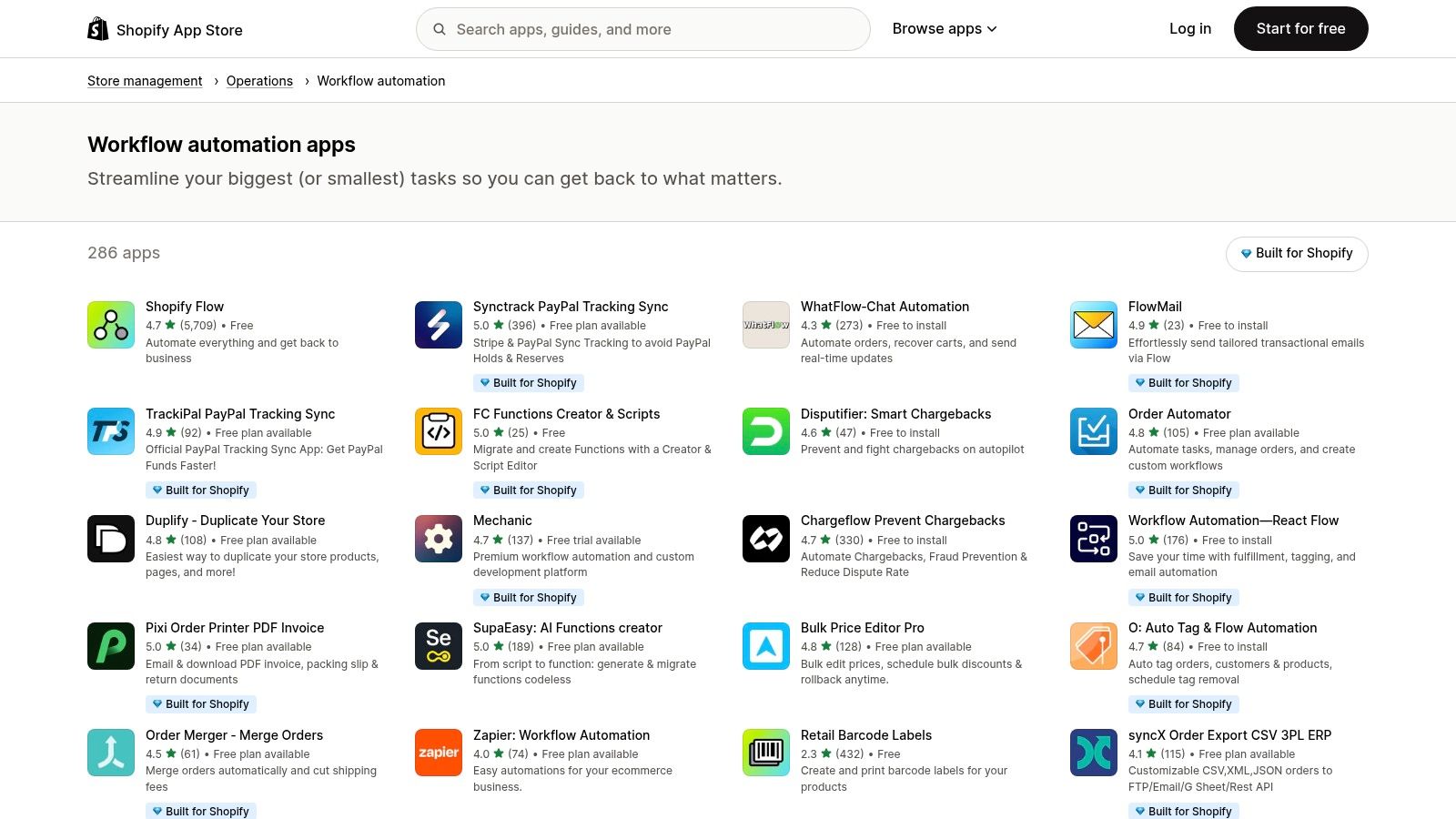
For businesses operating on the Shopify platform, the official App Store is the most direct and integrated source for powerful ecommerce automation tools. Instead of a single tool, it’s a vast ecosystem of applications designed to automate specific, and often complex, operational tasks directly within your Shopify admin. This native environment is its biggest advantage, offering plug-and-play solutions without needing custom code or complicated API keys.
You can find hundreds of apps dedicated to workflow automation, covering everything from sophisticated order routing and fraud detection rules to automatically tagging customers based on their purchase history. Many apps also integrate deeply with Shopify Flow, Shopify’s own automation builder, allowing you to create multi-step, conditional workflows that trigger across different apps.
Key Features & Use Cases
The primary benefit is the seamless installation and unified billing through your Shopify account. The user experience is generally excellent, as apps must meet Shopify’s standards. You can leverage community reviews, developer-provided demos, and free trial periods to thoroughly vet potential solutions before committing.
- Practical Use-Case: Automatically tag high-value customers who spend over $500 and add them to a specific email segment in your marketing app for exclusive offers.
- Implementation Tip: Start with a specific pain point, like manually requesting product reviews, and search for a dedicated app. Use filters for ratings and pricing to narrow down the best-fit solution. The sheer volume of options can be overwhelming, so having a clear goal is essential.
| Feature | Assessment |
|---|---|
| Setup Friction | Very Low. Most apps install with a single click and configure directly inside the Shopify admin. |
| Cost Structure | Varies widely. Many apps offer a freemium model, with paid plans typically ranging from $5 to $100+ per month. |
| Unique Offering | Deep, native integration with Shopify’s core functions (orders, products, customers) and Shopify Flow. |
| Primary Limitation | The cost of multiple specialized apps can accumulate quickly, and functional overlap between apps can be confusing. |
Website: Shopify App Store – Workflow Automation
3. BigCommerce App Marketplace
For merchants using the BigCommerce platform, the official App Marketplace is the primary hub for vetted ecommerce automation tools. Similar to Shopify’s ecosystem, it offers a wide range of applications that integrate directly into the BigCommerce control panel. This provides a secure and often seamless way to extend the platform’s native capabilities for tasks like marketing, shipping, and order management.
The marketplace is designed to help merchants build a more composable commerce solution, allowing them to select best-in-class apps for specific functions. You can find everything from sophisticated marketing automation platforms to AI-powered personalization engines and specialized fulfillment connectors. Badges and detailed compatibility filters, including for multi-storefront (MSF) setups, help you evaluate solutions more effectively.
Key Features & Use Cases
The core advantage of the BigCommerce marketplace is its focus on extensibility and providing vetted, high-quality integrations. Because apps are reviewed, you can trust their compatibility and security. Many apps also leverage BigCommerce’s APIs for deep integration, creating powerful, automated workflows that feel native to the platform.
- Practical Use-Case: Use a feed management app to automatically sync your product catalog with Google Shopping, Facebook, and other sales channels, ensuring pricing and inventory are always up-to-date without manual effort.
- Implementation Tip: Start by identifying your biggest operational bottleneck. Use the marketplace categories and filters to find a handful of top-rated apps that address it. Pay close attention to recent reviews and MSF compatibility if you run multiple storefronts from a single account.
| Feature | Assessment |
|---|---|
| Setup Friction | Low. Most apps install directly from the marketplace, though some enterprise-level tools may require a demo. |
| Cost Structure | Varies. Includes freemium, monthly subscriptions, and usage-based models. Some complex apps require a sales quote. |
| Unique Offering | Strong focus on a composable/extensible architecture with helpful compatibility filters, especially for MSF. |
| Primary Limitation | The total number of apps is smaller than Shopify’s, and pricing for some solutions is not transparent upfront. |
Website: BigCommerce App Marketplace
4. WooCommerce Marketplace (AutomateWoo, Power Automate, etc.)
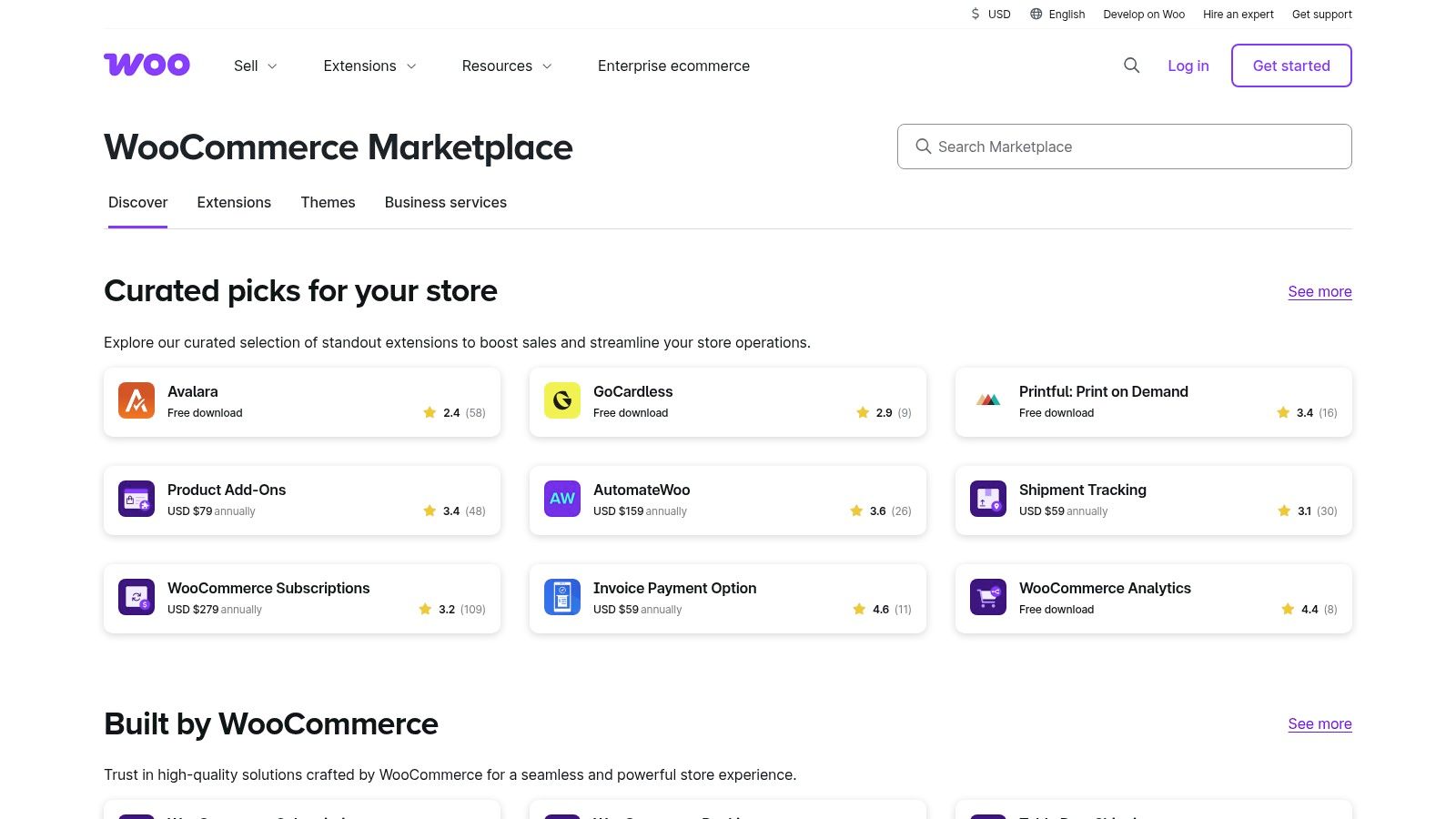
For merchants building on the flexible foundation of WordPress, the official WooCommerce Marketplace serves as a curated hub for powerful ecommerce automation tools. Similar to Shopify’s ecosystem, this marketplace offers a wide array of first-party and third-party extensions that integrate directly into the WooCommerce and WordPress admin panels. This approach is ideal for businesses that prefer self-hosting and the control offered by the WordPress environment.
Key extensions like AutomateWoo allow you to create complex, trigger-based workflows for everything from abandoned cart recovery emails to personalized follow-up campaigns. Another notable integration is the Microsoft Power Automate connector, which opens up possibilities to connect your store’s data to over 1,000 external cloud services, creating enterprise-level automations without custom development.
Key Features & Use Cases
The primary advantage of the WooCommerce Marketplace is its pricing model, which often favors yearly or one-time license fees over recurring monthly SaaS subscriptions. All extensions are vetted by the WooCommerce team for security and quality, and purchases are typically backed by a 30-day money-back guarantee, providing peace of mind.
- Practical Use-Case: Using AutomateWoo, automatically send a personalized coupon to customers 30 days after their last purchase to encourage repeat business, but only if they haven’t bought anything in that period.
- Implementation Tip: Focus on one core automation need, like automating review requests. Search the marketplace for a dedicated, highly-rated extension. Read recent reviews to check for compatibility with your current versions of WordPress and WooCommerce before purchasing.
| Feature | Assessment |
|---|---|
| Setup Friction | Low to Medium. Most extensions install like standard WordPress plugins but may require more granular configuration. |
| Cost Structure | Primarily yearly or one-time licenses. For example, AutomateWoo is a yearly subscription. |
| Unique Offering | Deep integration with the WordPress/WooCommerce ecosystem and a preference for license-based pricing over SaaS. |
| Primary Limitation | Managing updates and potential conflicts between multiple extensions can increase the site maintenance workload. |
Website: WooCommerce Marketplace
5. Adobe Commerce (Magento) Commerce Marketplace
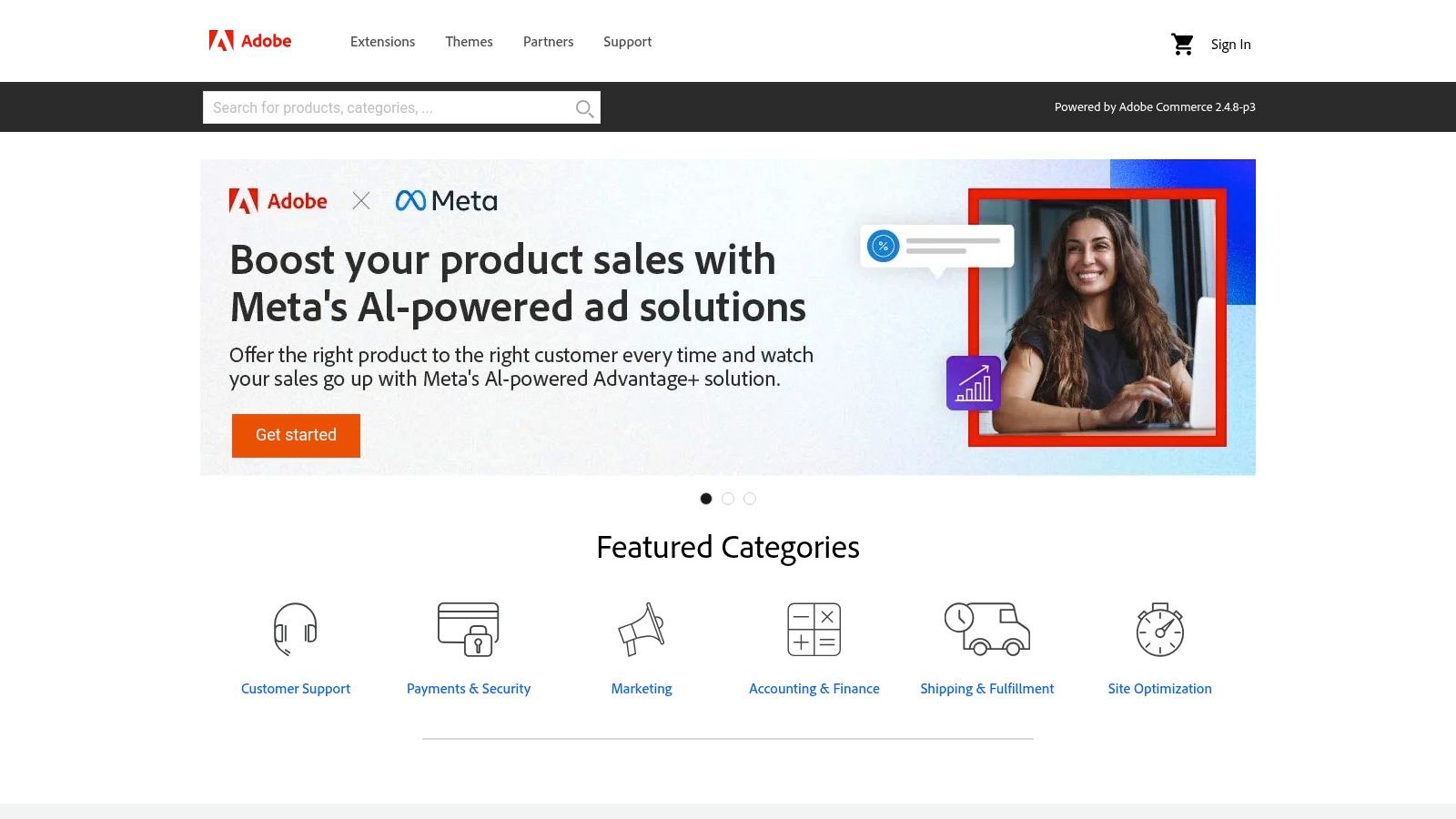
For enterprise-level businesses using Adobe Commerce or Magento Open Source, the official Commerce Marketplace is the definitive hub for powerful ecommerce automation tools. Unlike plug-and-play app stores, this ecosystem is geared toward developers and technically proficient teams, offering robust extensions for complex, large-scale operations. It provides a vetted library of modules for everything from advanced order management system (OMS) integrations to automated product data feeds and ERP connections.
The platform’s strength lies in its profound customizability, allowing merchants to build deeply integrated automation workflows that align with unique business logic. Extensions are typically installed via Composer, providing version control and stability crucial for enterprise environments. The marketplace’s Extension Quality Program ensures that modules meet high standards for code quality, performance, and security.
Key Features & Use Cases
The core advantage is the sheer power and flexibility available for sophisticated ecommerce operations. Extensive developer documentation and community support make it possible to tailor automation far beyond what most platforms allow. You can find highly specialized connectors for shipping carriers, payment gateways, and backend systems that are built to handle high-volume transactions and intricate inventory rules.
- Practical Use-Case: Automatically sync complex, multi-source inventory data from an ERP system to your Adobe Commerce storefront in real-time to prevent overselling across multiple warehouses.
- Implementation Tip: Always vet extensions in a staging environment before deploying to production. Given the technical nature of Composer-based installations, rely on an experienced Magento/Adobe Commerce developer to manage installations, dependencies, and updates to avoid site-breaking conflicts.
| Feature | Assessment |
|---|---|
| Setup Friction | High. Requires developer expertise for Composer installation, configuration, and maintenance. |
| Cost Structure | Varies. Many extensions are one-time purchases or have annual subscriptions, often costing several hundred dollars. |
| Unique Offering | Enterprise-grade extensions with deep customization potential and strong version control via Composer. |
| Primary Limitation | High technical barrier to entry and the ongoing cost of developer resources needed for implementation and updates. |
Website: Adobe Commerce Marketplace
6. Zapier
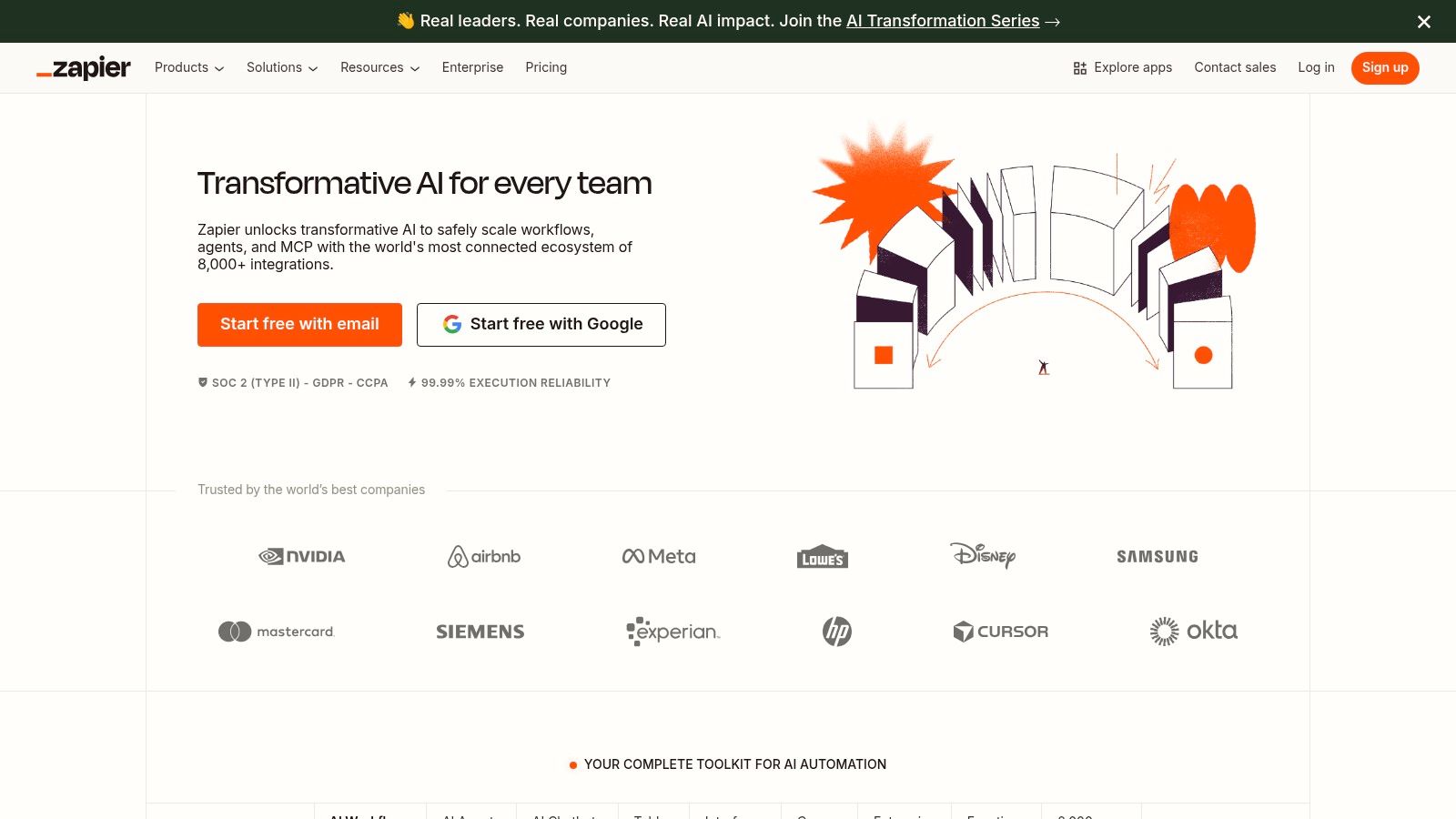
Zapier is the universal translator for web applications, making it one of the most versatile ecommerce automation tools available. It’s a no-code platform that connects over 8,000 different apps, including Shopify, WooCommerce, ShipStation, and Klaviyo. This allows you to build powerful, automated workflows that bridge the gaps between your ecommerce platform, marketing tools, fulfillment services, and internal communication apps without writing a single line of code.
Its power lies in creating cross-stack automations that a single, platform-specific tool cannot handle. You can trigger “Zaps” (workflows) based on actions in one app, like a new order in Shopify, and create a series of automated responses across multiple other systems, such as creating a shipping label, logging the sale in a Google Sheet, and sending a Slack notification.
Key Features & Use Cases
The ability to prototype and deploy workflows in minutes is a significant advantage. The visual editor is intuitive, allowing you to build multi-step automations with conditional logic (Filters and Paths) to handle different scenarios. This makes it scalable for everyone, from a solo entrepreneur automating basic tasks to an enterprise managing complex operational processes with advanced security needs like SSO and audit logs.
- Practical Use-Case: When a customer places a high-value order in WooCommerce, automatically create a priority support ticket in Zendesk, add a row to an accounting spreadsheet, and send a personalized thank you email from your Gmail account.
- Implementation Tip: Start by mapping out a manual, repetitive task you perform daily. Identify the apps involved and build a simple two-step Zap to automate it. As you grow more confident, introduce Paths to create more sophisticated, conditional workflows for different order types or customer segments.
| Feature | Assessment |
|---|---|
| Setup Friction | Low. Connecting apps is straightforward, but building complex Zaps with multiple steps requires some learning. |
| Cost Structure | Freemium model with paid plans based on task usage and feature access. Costs can increase at high order volumes. |
| Unique Offering | Unrivaled library of 8,000+ app integrations, enabling virtually limitless cross-platform automation. |
| Primary Limitation | Task-based pricing can become expensive for high-volume stores, and complex workflows need careful error monitoring. |
Website: https://zapier.com/
7. Make (formerly Integromat)
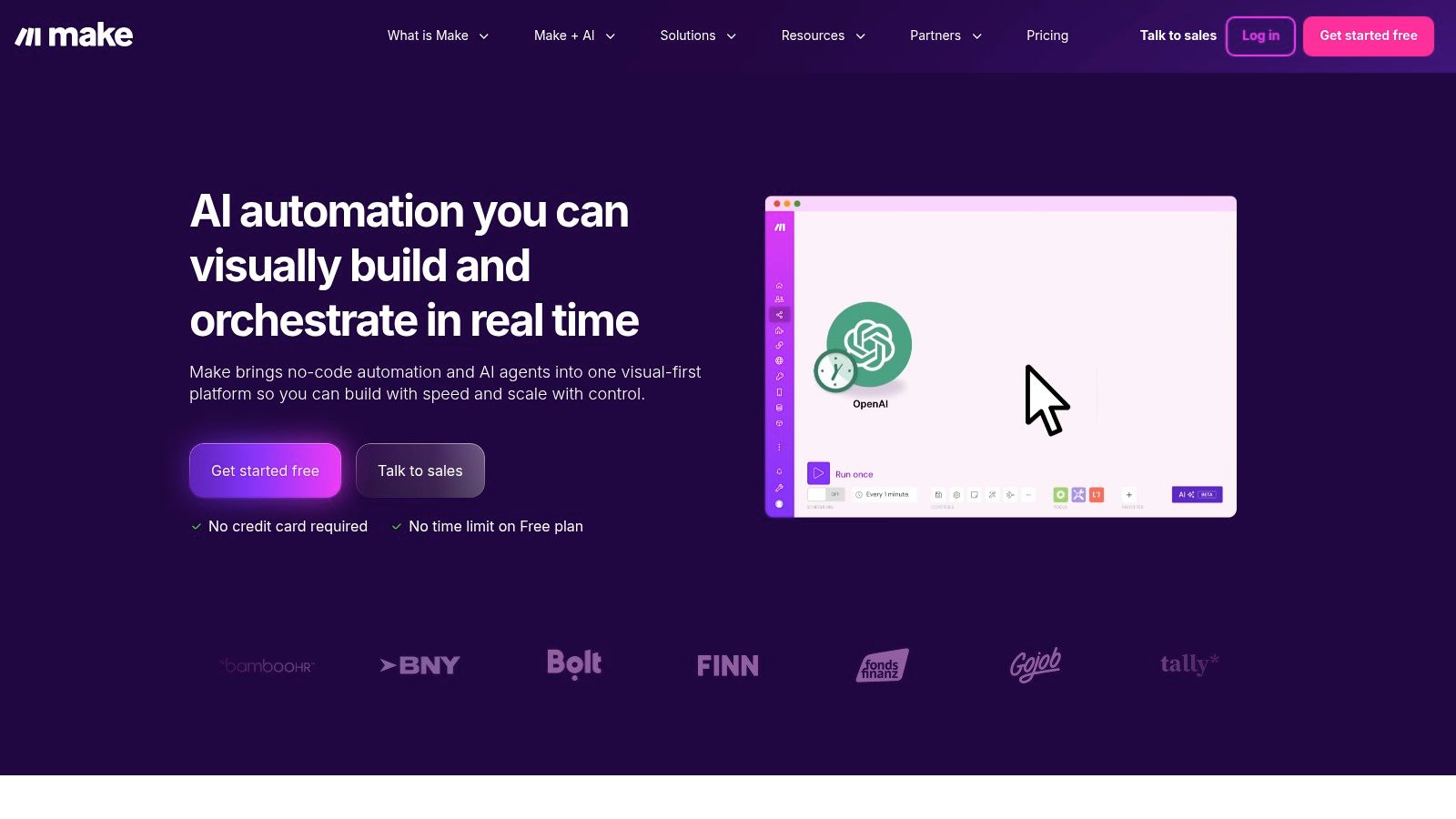
Make is a powerful visual automation platform that empowers users to design, build, and automate anything from simple tasks to complex workflows without writing any code. For ecommerce, it acts as a central hub, connecting disparate apps like your storefront (Shopify, WooCommerce), ERP, marketing platforms, and customer support tools into cohesive, automated processes. Its drag-and-drop interface, featuring advanced logic like routers and error handlers, gives you granular control over your data flow.
This platform excels where native integrations fall short, offering modules for over 3,000 applications and robust API connectors for custom solutions. For those interested in the broader landscape of ecommerce marketing automation, Make provides a flexible foundation for building highly customized systems. It’s an ideal choice for businesses that need to automate unique, multi-step scenarios that other tools can’t handle out of the box.
Key Features & Use Cases
The core strength of Make lies in its visual scenario builder and detailed execution logs, which allow for precise troubleshooting and optimization. It’s built for complexity, allowing you to create branching paths and conditional logic that mirror sophisticated business rules. The pricing model, based on operations, is often more cost-effective for data-heavy tasks compared to per-task models.
- Practical Use-Case: When a new order is placed in WooCommerce, check the customer’s purchase history in your CRM. If they are a first-time buyer, send them a personalized welcome email via Mailchimp and create a follow-up task in Asana for the support team.
- Implementation Tip: Start by mapping your desired workflow on paper first. Make’s flexibility can be overwhelming, so having a clear diagram of your triggers, actions, and conditions will make building the scenario much faster. Use the detailed run logs to debug each step.
| Feature | Assessment |
|---|---|
| Setup Friction | Medium. The visual builder is intuitive, but connecting apps and understanding the credit model takes time. |
| Cost Structure | Freemium model available. Paid plans are based on operations/credits, offering good value for complex tasks. |
| Unique Offering | Granular visual workflow building with advanced routers, error handlers, and detailed developer-friendly logs. |
| Primary Limitation | The credit-based pricing and DIY nature require a learning curve and more initial setup than simpler tools. |
Website: https://www.make.com/
8. Klaviyo
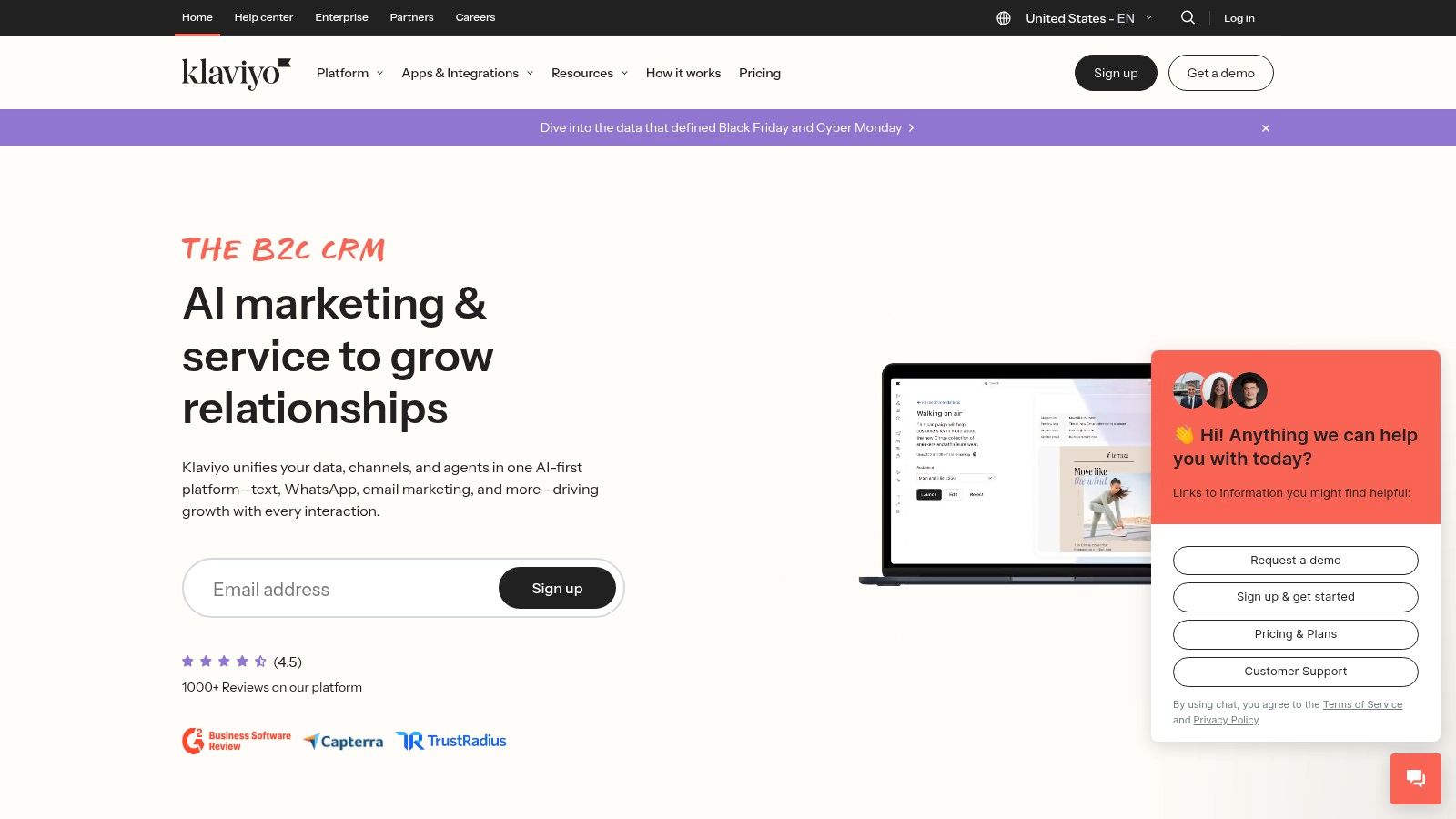
Klaviyo is an ecommerce-first marketing automation platform specializing in email and SMS communication. It stands out by combining powerful segmentation capabilities with pre-built, revenue-focused automation flows. Its deep, native integrations with platforms like Shopify, WooCommerce, and BigCommerce allow it to pull in rich customer data, making it one of the most effective ecommerce automation tools for personalized marketing.
The platform is designed around driving ROI for online merchants. Its core strength lies in its “flows,” which are automated sequences for lifecycle moments like welcome series, abandoned cart reminders, and customer win-back campaigns. These flows are highly customizable and can be triggered by a vast range of real-time customer behaviors and profile data.
Key Features & Use Cases
Klaviyo’s main advantage is its unified customer profile, which centralizes data from your ecommerce platform, browsing activity, and campaign engagement. This allows for incredibly granular segmentation and personalization that directly impacts conversion rates. The built-in dashboards provide clear revenue attribution, showing exactly how much money each campaign and flow generates.
- Practical Use-Case: Create a “post-purchase” flow that automatically sends an email asking for a product review 14 days after an order is fulfilled. If the customer leaves a 5-star review, another automated email can follow up with a 10% discount code for their next purchase.
- Implementation Tip: Leverage Klaviyo’s pre-built flow templates for abandoned carts and welcome series first. These are optimized for ecommerce and can deliver results quickly while you learn to build more complex, custom segments.
| Feature | Assessment |
|---|---|
| Setup Friction | Low. Official integrations with major platforms like Shopify are quick to set up with guided instructions. |
| Cost Structure | A free tier is available. Paid plans scale based on the number of email/SMS contacts and sending volume. |
| Unique Offering | Combines sophisticated, event-based segmentation with clear, direct revenue attribution for every campaign. |
| Primary Limitation | The cost can become significant as your contact list grows. Additional features like Reviews are paid add-ons. |
Website: https://www.klaviyo.com/
9. ShipStation
For high-volume ecommerce brands, shipping and fulfillment are often the biggest operational bottlenecks. ShipStation is a dedicated ecommerce automation tool designed to streamline this entire process, from importing orders to printing labels and managing returns. It centralizes order management by integrating with over 400 carts and marketplaces, allowing you to process shipments from every sales channel in one unified dashboard.
The platform’s core strength lies in its powerful automation rules. You can configure ShipStation to automatically select the cheapest carrier, apply specific shipping services based on product weight or destination, and even assign orders to different warehouses. This significantly reduces manual effort, minimizes shipping errors, and saves valuable time that can be refocused on growth activities.
Key Features & Use Cases
ShipStation stands out by offering discounted shipping rates with top carriers like USPS, UPS, and DHL Express, which can lead to substantial cost savings. The platform also provides branded tracking pages and automated delivery notification emails, enhancing the post-purchase customer experience. These branded communications are a great touchpoint and can be used to drive repeat business, similar to how brands leverage SMS for customer engagement. For insights on boosting customer communication, you can read more about effective SMS marketing strategies.
- Practical Use-Case: Create a rule that automatically assigns any order over 2 lbs shipping to a residential address to “UPS Ground” and prints the label, without any manual clicks.
- Implementation Tip: Connect all your sales channels during setup to get a complete view of your order volume. Spend time configuring automation rules for your most common shipping scenarios first; this is where you’ll see the biggest initial time savings.
| Feature | Assessment |
|---|---|
| Setup Friction | Medium. Connecting carriers and sales channels is straightforward, but configuring complex automation rules requires some initial effort. |
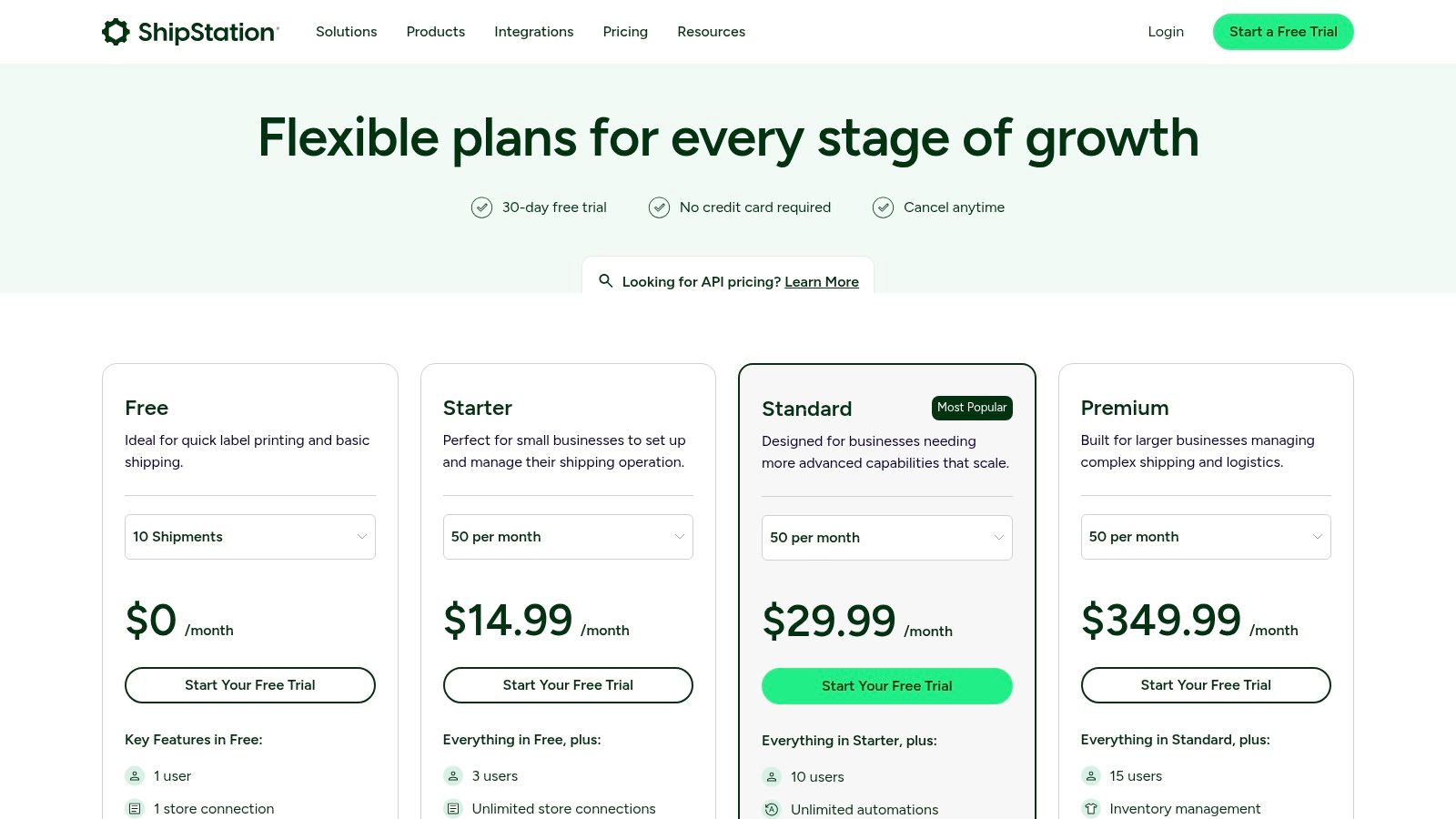
| Cost Structure | Tiered monthly subscriptions based on shipment volume, starting from around $9.99/month for 50 shipments. |
| Unique Offering | Centralized multi-channel shipping management combined with pre-negotiated, discounted carrier rates. |
| Primary Limitation | The interface can feel dated, and its core value diminishes for businesses with very low shipping volumes. |
Website: ShipStation
10. Extensiv Order Manager (formerly Skubana)
For high-growth brands managing complex multichannel sales, Extensiv Order Manager (formerly Skubana) serves as a powerful central nervous system. It is one of the more advanced ecommerce automation tools focused on sophisticated order orchestration, inventory centralization, and warehouse management. This platform is built for businesses that have outgrown basic shipping tools and now require intricate rules to route orders efficiently across multiple fulfillment nodes, like 3PLs, FBA, and owned warehouses.
Extensiv excels at automating decisions that are often manual pain points for scaling merchants. Its “Orderbots” allow you to create complex if-then logic for routing, tagging, and processing orders based on dozens of criteria. It centralizes inventory from every channel, preventing overselling and providing clear data for demand forecasting and purchasing.
Key Features & Use Cases
The core strength of Extensiv is its ability to unify disparate systems and automate the entire order lifecycle, from click to delivery. It handles complexities like product kitting, bundling, and multi-location fulfillment with robust, rules-based automation, significantly reducing manual errors and operational overhead. Its focus on detailed profitability analytics also provides a clear view of your operational health.
- Practical Use-Case: Automatically route all orders containing a specific fragile SKU to a 3PL partner that specializes in protective packaging, while routing all other orders to the closest in-house warehouse based on the customer’s shipping address.
- Implementation Tip: Be prepared for a guided onboarding process. Given its complexity, it’s crucial to map out your current order fulfillment workflows before migration. This will help you configure the “Orderbots” to match your specific business rules effectively from day one. You can read more about inventory management best practices to prepare.
| Feature | Assessment |
|---|---|
| Setup Friction | High. Requires a dedicated onboarding and implementation period. This is not a plug-and-play solution. |
| Cost Structure | Quote-based pricing, typically starting at a higher tier suitable for established, high-volume businesses. |
| Unique Offering | “Orderbots” provide unparalleled granular control over multi-location order routing and fulfillment logic. |
| Primary Limitation | The significant cost and complexity make it unsuitable for small businesses or those with simple fulfillment needs. |
Website: Extensiv Order Manager
11. Cin7 (Core/Omni)
For omnichannel brands struggling to manage inventory and orders across multiple sales channels, Cin7 stands out as a powerful ecommerce automation tool for operational excellence. It serves as a central nervous system for your business, connecting your online store (like Shopify or WooCommerce), marketplaces (such as Amazon), warehouse operations, and accounting software into a single, unified platform. This integration eliminates manual data entry, prevents overselling, and provides a real-time, accurate view of your stock levels everywhere.
Cin7 scales effectively, offering solutions like Cin7 Core for growing businesses moving off spreadsheets and Cin7 Omni for larger enterprises needing advanced features like Manufacturing Resource Planning (MRP) and complex warehouse management. By automating the entire lifecycle from purchasing and receiving to picking, packing, and shipping, it frees up immense operational bandwidth.
Key Features & Use Cases
The core value of Cin7 is its ability to create a single source of truth for your inventory and orders, synchronizing data across its 700+ integrations. This ensures that when a product sells on Amazon, the stock level is instantly updated on your Shopify store and in your accounting software like Xero or QuickBooks Online, preventing stockouts and reconciliation headaches.
- Practical Use-Case: Automatically generate and send purchase orders to suppliers when stock levels for a specific SKU fall below a pre-defined threshold, ensuring you never run out of your best-sellers.
- Implementation Tip: Dedicate time for a thorough setup process. The platform’s power comes from its deep integration, so properly configuring your products, suppliers, and sales channels from the start is critical for long-term success. Leverage their onboarding support to ensure a smooth transition.
| Feature | Assessment |
|---|---|
| Setup Friction | High. The initial setup can be complex and time-consuming due to the platform’s comprehensive nature. |
| Cost Structure | Starts at $349/month for the Core plan. Pricing is transparent and tiered based on order volume and features. |
| Unique Offering | A scalable, all-in-one solution for inventory, order, and warehouse management across countless channels. |
| Primary Limitation | The significant upfront time investment for setup and the higher price point make it less suitable for very small businesses. |
Website: https://www.cin7.com/pricing/
12. Rithum (formerly CommerceHub + ChannelAdvisor)
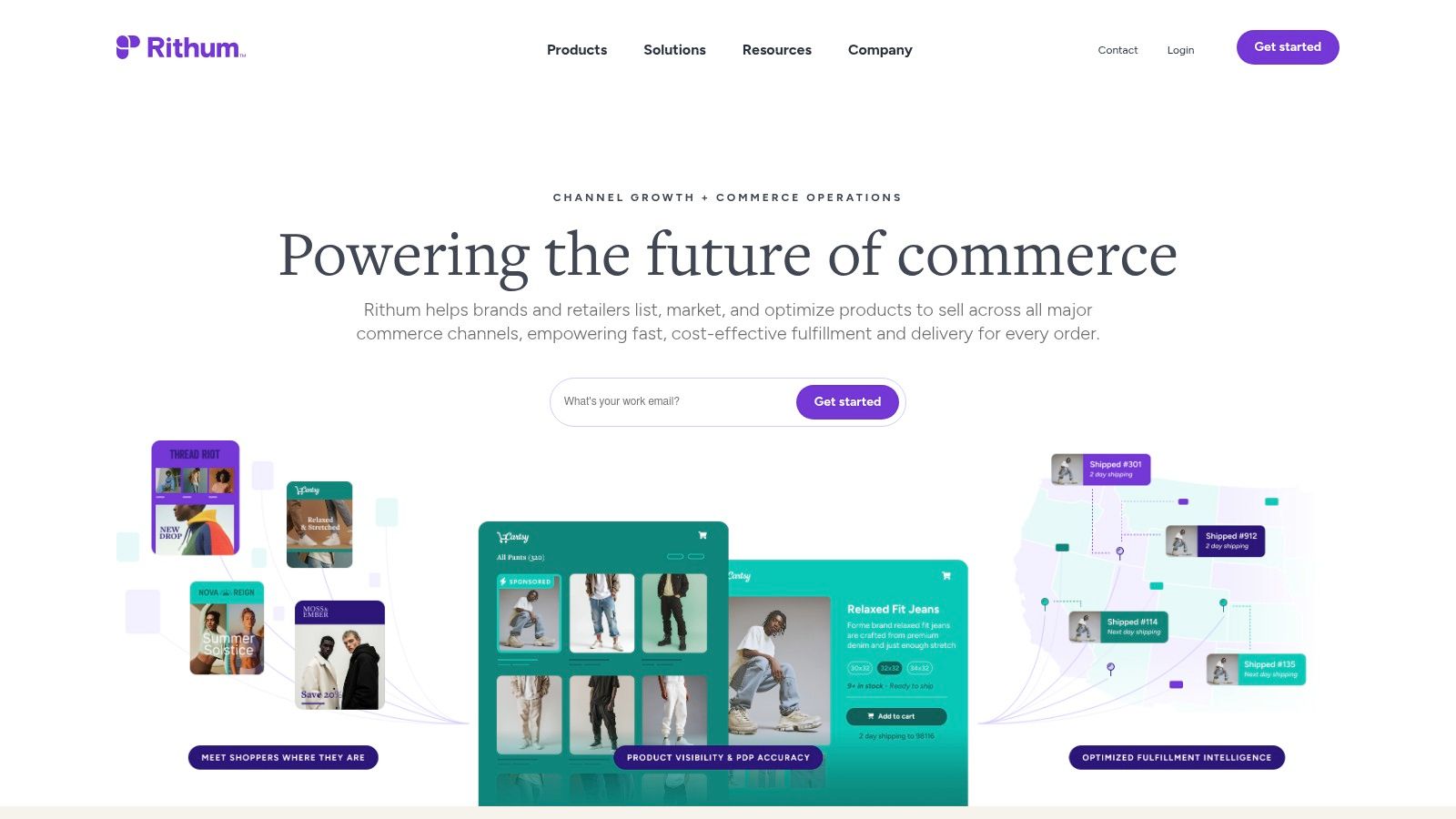
For large brands and high-volume retailers, Rithum offers an enterprise-grade suite of ecommerce automation tools designed for complex, multi-channel operations. Formed from the merger of CommerceHub and ChannelAdvisor, this platform excels at automating marketplace listings, retail media campaigns, and drop-ship fulfillment across hundreds of digital channels. It’s built for scale, providing the robust infrastructure needed to manage vast product catalogs and orchestrate orders seamlessly.
Rithum’s core strength lies in its expansive network and ability to centralize and automate data flows. It connects brands and retailers to a massive ecosystem of global marketplaces, advertising platforms, and retail partners. This allows businesses to expand their reach significantly while automating the critical, and often manual, processes of inventory synchronization, pricing updates, and order management, which is essential for maintaining performance and profitability at scale.
Key Features & Use Cases
The platform is engineered to handle the complexities of enterprise ecommerce, from intricate catalog feed requirements to sophisticated order routing rules for drop-shipping. It provides a unified solution for what would otherwise require multiple disparate systems, making it a powerful engine for digital channel expansion and operational efficiency.
- Practical Use-Case: A global electronics brand can automatically list its entire 10,000+ SKU catalog on 50 different international marketplaces like Amazon, Walmart, and Zalando, with real-time inventory and price sync across all channels.
- Implementation Tip: Successfully deploying Rithum requires dedicated internal resources. Plan for a coordinated project involving your IT, marketing, and operations teams to manage data mapping, feed configuration, and channel-specific rule sets.
| Feature | Assessment |
|---|---|
| Setup Friction | High. Implementation is a structured project requiring significant technical and operational coordination. |
| Cost Structure | Enterprise-level. Pricing is custom and typically based on Gross Merchandise Value (GMV) or order volume. |
| Unique Offering | An immense, pre-built network of retail and marketplace channels combined with deep drop-ship and feed automation. |
| Primary Limitation | The cost and complexity make it unsuitable for small to medium-sized businesses; it’s designed for enterprise scale. |
Website: https://www.rithum.com/
Top 12 Ecommerce Automation Tools Comparison
| Solution | Core features ✨ | UX / Results ★ | Pricing / Value 💰 | Target 👥 | Why choose / Unique 🏆 |
|---|---|---|---|---|---|
| 🏆 CartBoss | SMS cart recovery; automated flows; pre-filled checkout; dynamic discounts; 30+ languages; Shopify/Woo | ★ 4.9/5; 99% open rate; 50%+ click; 4,500% ROAS (reported) | 💰 Free start; no subscription fees; per‑SMS fees vary | 👥 SMBs & scaling eCommerce stores | 🏆 Fast 2‑min install; plug‑and‑play; GDPR/CCPA; multilingual templates ✨ |
| Shopify App Store – Workflow Automation Apps | 280+ automation apps; in‑admin install & billing; Flow integrations | ★ Varies by app; reviews & trials aid selection | 💰 App‑based pricing; costs can add up across apps | 👥 Shopify merchants | ✨ Huge app ecosystem; easy vetting via reviews |
| BigCommerce App Marketplace | Hundreds of vetted apps; MSF filters; compatibility badges | ★ Vetted listings; fewer apps than Shopify | 💰 Mixed pricing; some require sales contact | 👥 BigCommerce stores, multi‑storefronts | ✨ MSF filters and curated badges for compatibility |
| WooCommerce Marketplace (AutomateWoo, etc.) | Automations, AutomateWoo triggers, Power Automate connector; extension model | ★ Plugin‑based results; flexible but needs maintenance | 💰 One‑time or yearly licenses; 30‑day refunds | 👥 WordPress/Woo merchants | ✨ Flexible pricing models; deep WP integration |
| Adobe Commerce (Magento) Marketplace | Composer installs; enterprise extensions; developer controls | ★ Enterprise‑grade; requires technical expertise | 💰 Paid extensions; often annual or custom quotes | 👥 Enterprise merchants & dev teams | ✨ High customization & robust dev resources |
| Zapier | Connects 8,000+ apps; multi‑step workflows; SSO/audit options | ★ Fast prototyping; reliable cross‑stack automations | 💰 Task/usage pricing; can spike with volume | 👥 Non‑dev teams, ops & marketing | ✨ No‑code connectors; massive app coverage |
| Make (Integromat) | Visual scenarios; routers, error handlers; 3,000+ apps | ★ Granular control; detailed logs for debugging | 💰 Credit‑based model; strong value for data‑heavy use | 👥 Technical no‑code builders | ✨ Minute scheduling; deep API modules |
| Klaviyo | Email + SMS flows; segmentation; revenue attribution | ★ Strong ROI focus; ecommerce templates | 💰 Scales with contacts; add‑ons increase cost | 👥 Marketing teams & DTC brands | ✨ Deep Shopify integration; revenue dashboards |
| ShipStation | Shipping automation; carrier rules; batch labels; returns | ★ Time saver for high‑volume shipping | 💰 Tiered by shipment volume; regional pricing | 👥 High‑volume merchants & marketplaces | ✨ Rate shopping & branded tracking |
| Extensiv Order Manager | Orderbots/routing; forecasting; 3PL/WMS integrations | ★ Robust multi‑node orchestration | 💰 Quote/demo pricing; higher budget | 👥 Brands with complex fulfillment | ✨ Advanced order orchestration & forecasting |
| Cin7 (Core/Omni) | Centralized inventory, purchasing, MRP; 700+ integrations | ★ Scales from SMB to enterprise; clear tiers | 💰 Transparent US pricing; tiered plans | 👥 Omnichannel & wholesale sellers | ✨ MRP + warehouse features; broad integrations |
| Rithum (CommerceHub/ChannelAdvisor) | Marketplace listing, feed and drop‑ship automation; retail media | ★ Built for large scale & complex catalogs | 💰 Custom enterprise pricing | 👥 Large brands & retailers | ✨ Channel expansion + retail media workflows |
Choosing the Right Automation Stack for Your Store
Navigating the expansive landscape of ecommerce automation tools can feel overwhelming, but the journey to a more efficient and profitable business begins with a single, strategic step. We’ve explored a wide range of solutions, from dedicated SMS cart recovery platforms like CartBoss and comprehensive marketing suites like Klaviyo to sophisticated fulfillment and inventory managers such as ShipStation and Cin7. The core takeaway is clear: automation isn’t about finding a single magic bullet. It’s about methodically building an interconnected “stack” of tools that addresses your unique operational bottlenecks.
The right automation stack doesn’t just save you time on repetitive tasks; it creates a seamless, intelligent ecosystem. This system works around the clock to recover lost revenue, nurture customer relationships, streamline fulfillment, and provide the data you need to make smarter decisions. By automating these critical functions, you free up your team’s most valuable resource: the time and mental energy required for high-level strategy, creative marketing, and business growth.
A Blueprint for Building Your Automation Engine
So, where do you begin? The process of selecting the best ecommerce automation tools for your business should be deliberate and rooted in your specific challenges and goals. Don’t chase the trendiest platform; instead, focus on solving your most significant pain points first for the highest immediate return on investment.
Follow these actionable steps to build your ideal stack:
- Identify Your Biggest Bottleneck: Start by conducting a simple audit of your daily operations. Where is your team spending the most manual effort? Is it recovering abandoned carts, managing shipping labels, updating inventory across multiple channels, or segmenting email lists? Pinpointing this primary pain point will guide your first and most impactful tool selection. For many stores, tackling cart abandonment offers the quickest and most significant revenue lift.
- Prioritize High-Impact, Low-Effort Solutions: Look for tools that offer a fast time-to-value. A solution like CartBoss, for example, can be implemented quickly and starts recovering sales almost immediately with minimal setup. This initial win builds momentum and frees up cash flow to invest in more complex systems later.
- Evaluate Integration Capabilities: Your tools must communicate with each other. Before committing to any platform, verify its compatibility with your core ecommerce platform (like Shopify or WooCommerce) and other essential software in your stack. Using “connector” tools like Zapier or Make can bridge gaps, but native, deep integrations are almost always more reliable and powerful.
- Consider Scalability and Pricing Models: Your business today is not the business you’ll be in two years. Choose tools with pricing plans that can grow with you. Scrutinize whether they charge based on contacts, order volume, or feature tiers, and ensure their model aligns with your projected growth. Avoid getting locked into a system that will become prohibitively expensive as you scale. When curating your ideal automation stack, it can be beneficial to review lists of top performers, such as these 8 most reliable automated technology tools to integrate into your ecommerce business.
Ultimately, the goal is to create a harmonious system where each tool performs its function flawlessly and feeds valuable data to the next. From the first ad click to the final delivery confirmation and beyond, a well-architected automation stack is the engine that drives a modern, scalable, and resilient ecommerce brand. You have the blueprint; now it’s time to build.
Ready to tackle your biggest revenue leak with a powerful, specialized ecommerce automation tool? Start with abandoned cart recovery. CartBoss uses automated, pre-translated SMS messages to bring customers back to their carts, recovering sales on autopilot and boosting your bottom line from day one. Try CartBoss today and see how simple, effective automation can be.