

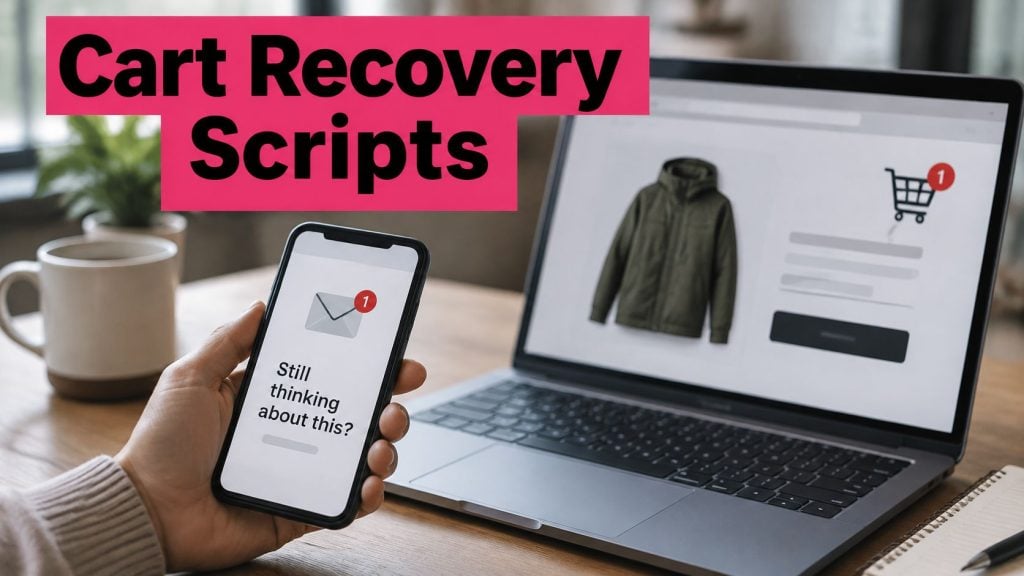
A shopper adds a jacket to her cart at lunch, gets pulled into a meeting, and by dinner has bought from another store. The product did not change. The moment passed. Email might arrive tomorrow among newsletters and receipts. A text reaches the shopper in the channel they are already checking.
A marketintelligencetools.com compilation of SMS statistics puts U.S. SMS and MMS volume in 2024 at nearly 2.2 trillion messages. SMS was designed for short messages: the GSM standards set a 160-character limit in 1985. Friedhelm Hillebrand’s analysis of everyday sentences, questions, and postcards helped shape that limit, as The Week’s history of SMS recounts.
That constraint can help a message stay focused. Give the reader one reason to act and one clear next step. A text has room for a nudge, a link, and an opt-out line. Email can carry a longer story, product grid, and footer.
For the longer-form side of the same job, Mega Income Stream’s email conversion guide covers how to structure messages that follow a first touch. The ten scripts below focus on moments when a timely, concise message can prompt action. Each pairs a trigger with a compliance note and a realistic store scenario, so you can set it up and measure the result.
Table of Contents
- 1. Abandoned Cart Recovery SMS Script
- 2. Welcome and Opt-In Confirmation SMS Script
- 3. Order Confirmation and Shipping Update SMS Script
- 4. Back-in-Stock Alert SMS Script
- 5. Price Drop and Sale Announcement SMS Script
- 6. Flash Sale and Black Friday Urgency SMS Script
- 7. Win-Back Re-Engagement SMS Script
- 8. Post-Purchase Review Request SMS Script
- 9. Loyalty Reward and VIP Perk SMS Script
- 10. Birthday and Special Occasion SMS Script
- Text message scripts compared by timing, goal, and typical incentive
- Turn These Scripts Into a Retention System That Runs Itself
1. Abandoned Cart Recovery SMS Script
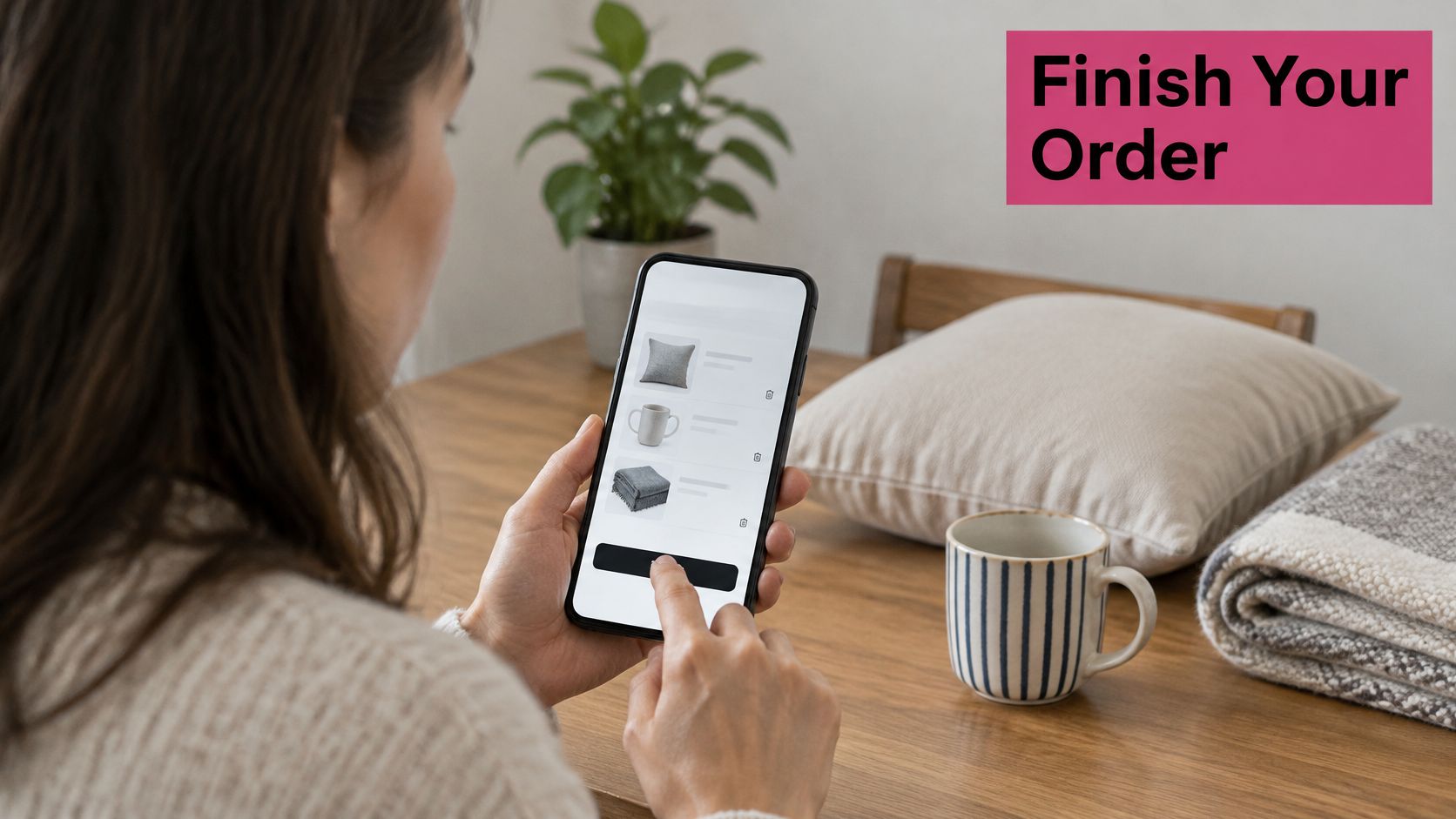
The shopper chose a product, reached checkout, then stopped. Cart recovery outearns every other SMS flow in most stores because the intent is already documented in your own database.
Send the first message within an hour. MessageDesk’s SMS statistics roundup reports that about 87% of recipients check a new text within 15 minutes, and that business-text click-through commonly lands between 21% and 35%. Both numbers decay fast. A reminder that arrives tomorrow afternoon competes with a shopper who has already solved her problem elsewhere.
Working template: “Hi {FirstName}, your {CartItems} is still saved at {SiteName}. Finish in one tap: {CheckoutUrl}. Reply STOP to opt out.”
Two messages beat three. The first is a plain reminder. The second, 24 hours later, can carry a 10% code, but test it against a no-discount version before you make it permanent. Discount-led recovery converts well this month and teaches repeat customers to abandon on purpose.
Fix the leak, not just the reminder
Baymard Institute’s checkout usability research found that 40% of U.S. online shoppers abandoned because of extra costs such as shipping, taxes and fees, and 18% abandoned because the site required an account. No nudge fixes either problem. Link straight to checkout, switch on guest checkout, and state the shipping cost inside the message when that’s what stopped the order.
A home goods store that names the exact product gets fewer confused replies than one that writes “you left something behind”. Specificity beats first names here.
Here’s the sequence running end to end:
Compliance note: a phone number typed into a checkout field is not marketing consent. Send promotional recovery only to shoppers who agreed to marketing texts, and store the timestamp, source page and checkbox state. The full timing model lives in this guide to abandoned cart timing.
Measure: delivered-to-click, click-to-order, revenue per delivered message and opt-out rate, against a holdout group that gets nothing.
2. Welcome and Opt-In Confirmation SMS Script
A signup form is a promise. The first text is where you keep it or lose the subscriber. In 2025, 86% of consumers said they had opted in to receive business text messages, according to the 2025 Consumer Texting Behavior Report, a survey of 1,074 mobile-phone users run in November 2024. People are willing. Most stores just don’t confirm fast enough to be remembered.
Signup confirmation: “Welcome to {SiteName}. Take 15% off your first order with WELCOME15: {link}. We send about 2 texts a month. Reply STOP to opt out.”
That message does four jobs at once: it confirms, it rewards, it sets the frequency, and it offers the exit before anyone feels trapped.
On the legal side, the ICO’s PECR guidance on electronic marketing requires consent that is knowingly and freely given, clear and specific, identifies the particular organisation, and covers the communication type, including text messages. A pre-checked box or vague “I agree to updates” fails that test.
- Send within minutes. A welcome arriving the next day reads like an afterthought and gets deleted unopened.
- Name the brand and the channel. Write “marketing text messages from {SiteName}”, not “updates”.
- Log the evidence. Timestamp, source page, checkbox state, country and opt-out status belong in one record you can produce later.
- Keep message one light. One code, one link. Product grids belong in message two.
A beauty brand that leads with its best-seller link and a 15% first-order code usually finds most early engagement comes from that single link. A clothing retailer that promises “about 2 texts a month” and keeps the promise holds its unsubscribe rate down without any clever copy at all.
3. Order Confirmation and Shipping Update SMS Script
Order texts are the messages customers actively want, and in most markets they sit on a different consent basis than marketing. They also cut support load, which is the part finance notices.
The gap works the other way too. Textmagic’s 2025 consumer SMS survey of 1,800 consumers found that 53% of surveyed U.S. consumers said a business had failed to reply after they sent a text. Silence is expensive when the person texting is a customer with an open order.
Two message shapes cover most of it. “Order #1042 confirmed. Ships Thursday. Track it here: {link}” and “Out for delivery today, 2 to 5 pm. {CheckoutUrl}. Questions? Reply HELP.”
The ICO’s guidance on direct marketing by electronic mail states that marketers must offer an opt-out when collecting contact details and in every later message, and it names replying STOP as acceptable, free apart from the ordinary cost of the text. Put sender identity and a reply path in every message you send, transactional or not.
- Brand the sender ID. “CartBoss” style tool names or your store name both beat a random shortcode nobody recognises.
- Send only the statuses people ask about. Confirmed, shipped, out for delivery, delivered. Four is plenty.
- Keep promotions out. A discount inside a shipping text muddies the transactional basis and irritates someone waiting on a parcel.
- Give a reply path. A furniture store that texts delivery windows during peak season spends far less time answering “where is my order” tickets.
More message shapes are in this set of SMS notification examples. An apparel brand can add one review request a week after delivery, but keep it separate from the shipping thread.
4. Back-in-Stock Alert SMS Script
A sold-out variant is usually filed as a lost sale. It’s the cheapest opt-in you’ll ever collect, because the shopper is telling you exactly which product and which size she wants.
Willingness isn’t the bottleneck. EZ Texting’s 2024 Consumer Texting Behavior Report found that 81% of consumers said they had signed up to receive text messages from a business. The bottleneck is asking at the right second, which is the moment the “add to cart” button turns grey.
Alert: “Back in stock: {ProductName} in {Variant}. We have a small run. {CheckoutUrl}. Reply STOP to end alerts.”
- Segment by product, not by list. Only people who asked about that exact item should get the text.
- Name the variant. Size, colour and fit are the whole reason she signed up.
- Use urgency only when it’s real. A restock of nine units justifies “small run”. A warehouse full of stock does not.
- Count signups per product. A sneaker brand that alerts its list for a popular size often sells the restock out within hours, and a kitchenware store can use the alert count to set the reorder quantity before placing it.
The compliance point is narrow and easy to get right: an alert is a promise about one product, not a backdoor opt-in for the whole catalogue. If you want to add that person to general marketing, ask separately.
Measure alerts on conversion within 24 hours of send and on how much of the restock sold before the second alert went out. If most of the run clears on the first text, your list is bigger than your buying plan assumes.
5. Price Drop and Sale Announcement SMS Script
A price cut only works on someone who already wanted the thing. Blast it to everyone and you’re paying to message people who never cared, which is how lists get burned.
The demand is there. Text Request’s 2023 State of Business Texting survey found 52% of consumers wanted promotional or discount messages by text, while only 29% said businesses were sending them. EZ Texting’s 2025 Consumer Texting Behavior Report found nearly half of surveyed consumers said they had made a purchase after receiving a text message from a business. Demand runs ahead of supply, which is an opening, not a licence to send everything to everyone.
- Cap promotional sends. Two to four a month is a working ceiling for most catalogues.
- State the price and the deadline together. “Was €89, now €62 until Sunday 11pm” beats “big savings inside”.
- Segment on behaviour. Product views, category affinity, past purchases. A home decor brand that sends a price drop only to subscribers who viewed the item three times keeps the offer relevant and the opt-out rate low.
- Mix in full-price value. If every text carries a discount, customers learn to wait, and your margin pays for the lesson.
A supplement store that runs a weekend sale text usually sees its traffic spike inside the first hour, which tells you the message worked and the landing page doesn’t need a redesign.
Measure promotional sends on revenue per delivered message and on opt-out rate per campaign. A sale text that hits its revenue target while doubling unsubscribes is borrowing from next quarter.
6. Flash Sale and Black Friday Urgency SMS Script
Urgency has a short shelf life, and it’s the flow most likely to cost you subscribers. Retention Edge’s SMS marketing statistics reports that the share of U.S. consumers open to two or more business texts per day fell from 69% to 59% in one year, and that excessive frequency was the leading opt-out reason at 40%.
That 40% is the number to design around. Nobody leaves because your offer was too good. They leave because you were loud on a Tuesday afternoon.
Build the day around three sends
Launch, midday reminder, final hours. Anything beyond three on a single event day is a broadcast, not a campaign.
- Schedule ahead and set quiet hours. Local time, roughly 8am to 9pm, and nothing at 3am because your scheduler runs on UTC.
- One link, one page. An electronics retailer that points a flash-sale text at a page showing only the top deals shortens the decision instead of lengthening it.
- Say the deadline in the message. “Ends 11:59pm tonight” is the whole point of the format.
- Check the consent basis before the sale, not during it. InsiderOne’s global SMS compliance guide notes there is no single worldwide consent model, and that EU guidance generally requires prior consent for marketing SMS, with the soft opt-in limited to existing customers, similar products and a clear refusal mechanism.
That last point matters for stores selling across borders. A shopper in one country can lawfully receive a promotional flash-sale text on a consent basis that wouldn’t hold in another. Build the campaign around the strictest market you sell into and you won’t need a separate workflow for every region.
More planning detail sits in this Black Friday SMS guide. Review the send log the week after the event: revenue per message, opt-outs per send and complaints, then delete the message that earned the most unsubscribes.
7. Win-Back Re-Engagement SMS Script
Win-back is the flow stores launch last and abandon first, usually because nobody defined “lapsed” before writing the copy. Pick a number and put it in the automation: 90 days without a purchase, or 180 days without a click, whichever matches your repurchase cycle.
Competition inside that message thread is real. SimpleTexting’s 2024 texting and SMS marketing statistics reports that 80% of surveyed businesses said they used SMS marketing software to text customers. Your lapsed buyer is hearing from plenty of other brands, so “we miss you” isn’t a strategy.
Win-back: “Hi {FirstName}, it’s {SiteName}. It’s been a while since your last order. New arrivals in {Category} are here: {link}. Reply STOP to stop these.”
- Define inactivity once and stick to it. Changing the window mid-campaign means re-messaging people who already ignored you.
- Test incentive against content. A subscription store that sends a win-back at 120 days reactivates a slice of lapsed buyers with a discount. A bookstore that sends new-release recommendations instead keeps its margin intact.
- Prune after two or three attempts. Non-responders cost money and drag your deliverability down.
- Honour opt-outs immediately. Suppress the number across every flow, not just the one that triggered the reply.
Measure win-back on reactivated revenue and on list quality, meaning the share of the segment that re-engaged rather than the share that received the message. A campaign that reactivates a small, clean segment is worth more than one that texts everyone twice.
8. Post-Purchase Review Request SMS Script
Review requests fail for one reason: they arrive before the customer has used the product. Timing depends on use, not on shipping. Skincare needs about a week. A kitchen appliance needs two or three days plus a support link, because a broken blender produces a support ticket, not a five-star review.
Review request: “Hi {FirstName}, how’s the {ProductName} working out? Leave a quick review here: {link}. Something wrong? Reply and we’ll help.”
- One ask per message. Review or support, never both competing for the tap.
- Check the platform’s incentive rules first. Most review platforms and search engines prohibit paying for reviews, so keep discount codes out of the request entirely.
- Reply publicly to what you get. A visible response does more for conversion than another five-star line.
- Ask at the right hour. Mid-morning on a weekday beats 9pm on a Sunday.
A skincare brand that sends one request a week after delivery can pull specific feedback, texture, irritation, delivery speed, straight onto the product page. A kitchen appliance store that asks about setup and includes a support link catches the problems before they turn into returns.
Measure review requests on review volume per hundred sends and on the share of replies that need support. The second number tells you whether your product pages are promising something the product doesn’t deliver.
9. Loyalty Reward and VIP Perk SMS Script
Retention texts read differently when they aren’t selling. A reward message should feel like a receipt for loyalty, not another promotion wearing a party hat.
Tier upgrade: “You’ve hit Gold, {FirstName}. Your next order ships free, and you get early access to the spring drop on Thursday: {link}. Reply STOP to opt out.”
- Make the reward legible. What it is, when it expires, how to use it. Three facts, one line.
- Lead with early access over discounts. Access costs you margin nothing and does more for the relationship than 10% off.
- Segment by spend tier. A first-time buyer and a four-figure customer shouldn’t get the same perk.
- Measure repeat purchase rate, not clicks. A coffee subscription that texts a tier upgrade wants the next three orders, not a spike in traffic.
The trap is treating loyalty as a discount program. It isn’t. Points, early access, free shipping and birthday perks all protect margin in a way that a permanent 15% code never will. Track profit per recovered or retained order alongside opt-out rate, and the weaker offers will show themselves within two quarters.
More structures for tiers and perks are in this guide to building a customer loyalty program. Pick one mechanic, ship it, and add the second only when the first is profitable.
10. Birthday and Special Occasion SMS Script
Birthday texts convert because they’re expected to be friendly. The moment they feel automated and salesy, the effect reverses.
Birthday: “Happy birthday, {FirstName}. Here’s a free dessert on your next visit to {SiteName}, valid this month: {link}. Reply STOP to opt out.”
Collect the month and day, not the year. You don’t need an age to send a perk, and storing less data is both a privacy win and one less thing that can go wrong under GDPR or CCPA. State the purpose at collection: “We’ll text you a birthday treat.”
- Ask only when the benefit is obvious. A field with no explanation gets fake dates.
- Verify before sending. A wrong name on a birthday text is worse than no text at all.
- Keep the offer modest and warm. A free dessert beats 30% off a candle.
- Send at a civilised local hour, and never schedule it for midnight because the database flipped the date.
A bakery that texts a free dessert code brings people through the door, where they buy coffee and a loaf as well. A candle brand that marks the anniversary of a first purchase with a thank-you discount creates a reason to return that has nothing to do with urgency.
Occasion copy needs localisation care if you sell in several languages. A festival greeting that lands on the wrong date is a small embarrassment with a measurable unsubscribe bump. Templates for seasonal sends are in these holiday messages for customers.
Text message scripts compared by timing, goal, and typical incentive
| Item | Best Timing | Primary Goal | Typical Incentive |
|---|---|---|---|
| Abandoned Cart Recovery SMS Script | Within 1 hour, with a follow-up 24 hours later | Recover abandoned carts | Optional small discount |
| Welcome and Opt-In Confirmation SMS Script | Within minutes of opt-in | Confirm signup and set expectations | First-order discount or perk |
| Order Confirmation and Shipping Update SMS Script | After purchase and when shipping or delivery status changes | Keep customers informed and reduce support inquiries | Usually none |
| Back-in-Stock Alert SMS Script | As soon as the requested product is restocked | Convert product interest into a sale | Usually none |
| Price Drop and Sale Announcement SMS Script | When a relevant price reduction or sale begins | Drive targeted promotional sales | Sale price or discount |
| Flash Sale and Black Friday Urgency SMS Script | At sale launch, with limited reminders before the deadline | Drive sales during a time-limited event | Time-limited offer |
| Win-Back Re-Engagement SMS Script | After 90–180 days of inactivity | Reactivate lapsed customers and identify inactive subscribers | Return discount or relevant recommendations |
| Post-Purchase Review Request SMS Script | About 5–7 days after delivery | Collect reviews and feedback | Optional thank-you incentive, where allowed |
| Loyalty Reward and VIP Perk SMS Script | When points, tier, or purchase milestones are reached | Encourage retention and repeat purchases | Loyalty reward or exclusive early access |
| Birthday and Special Occasion SMS Script | On a birthday or purchase anniversary | Build goodwill and encourage a return visit | Small gift, discount, or free shipping |
Turn These Scripts Into a Retention System That Runs Itself
Ten flows is a menu, not a plan. Start with the abandoned cart script, because it reaches shoppers with the strongest intent and tells you fastest whether your copy and timing work. Add the welcome confirmation next, since every other flow depends on a clean opt-in record. Order and shipping updates come third: they’re the cheapest to run and they remove support tickets.
Then leave the promotional flows alone for a month and watch the numbers. Revenue per delivered message is the only figure that decides whether a script earns its place. A reminder that carries no discount and recovers three orders a week is worth more than a discount sequence that lifts conversion while teaching your best customers to wait.
Retire scripts that don’t earn their place. Most stores keep a five-message abandoned cart sequence running because it exists, not because message five adds revenue. Cut it, measure the difference, and put the effort into the flows that pay.
Schedule sale texts around real calendar events, not arbitrary Tuesdays. Frequency is the leading cause of unsubscribes, and every promotional send spends goodwill you’ll want back during Black Friday. Test one change at a time, hold back a control group, and let the opt-out rate veto anything that looks good on revenue alone.
The system compounds when the flows share data. A win-back shouldn’t fire at someone who bought last week. A price-drop text shouldn’t reach a shopper who opted out of promotions but kept order updates. Suppression rules and frequency caps do more for long-term revenue than any single template.
CartBoss runs the abandoned-cart and post-purchase flows automatically, billed per message, with pay-as-you-go pricing and no subscription. Load the cart script first, add the welcome and order updates, and let the promotions wait until you have numbers to compare them against.
CartBoss sends the first SMS cart reminder 15 minutes after a shopper leaves, then follows with your own copy or ready-made templates, a prefilled checkout link and a branded sender ID. You pay only for the messages your store sends, with no subscription, so testing a new script costs one campaign rather than a contract. Set up your first recovery flow at CartBoss and let the revenue per message decide which of these ten scripts you keep.