


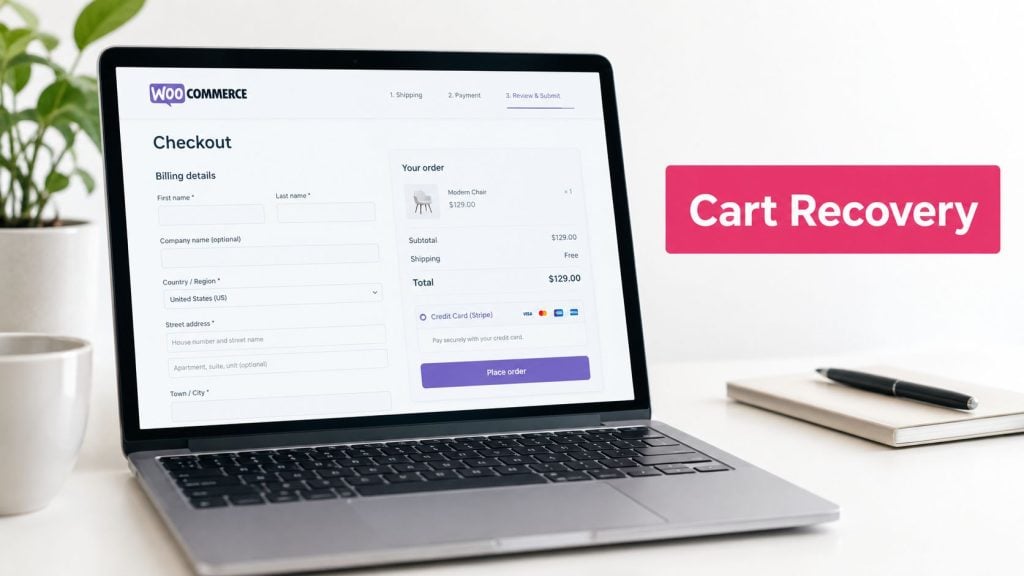
Around 70% of ecommerce shopping carts are abandoned before checkout is complete, so the best WooCommerce abandoned cart plugin is the one that matches your recovery bottleneck, not the one with the longest feature list. Choose based on whether you need SMS-first recovery, native WooCommerce automation, a visual CRM, or broader omnichannel lifecycle marketing.
The popular advice to “pick the most powerful plugin” misses the operational issue. A store that needs fast, localized SMS reminders has different requirements from a brand building complex post-purchase journeys. Compare cart capture, message timing, email/SMS/WhatsApp coverage, deliverability controls, integrations, reporting, pricing structure, and setup effort before you install anything.
This list compares seven tools by the job they perform best. Check whether each product can identify shoppers lawfully, reduce checkout friction, manage consent and unsubscribes, and show recovered revenue rather than only messages sent. Wistec’s ecommerce selection guidance is useful if your recovery decision is part of a broader platform review.
Quick selection checklist:
- Channel: Do you need SMS, email, WhatsApp, or several channels?
- Implementation: Can your team configure and maintain the workflow?
- Data control: Will customer and cart data remain in WordPress or move to a SaaS platform?
- Economics: Is usage-based pricing or a recurring plan easier to justify?
- Measurement: Can you separate recovered revenue from normal purchases?
For stores prioritizing fast deployment, localized messages, pre-filled checkout links, and usage-based pricing, CartBoss is the SMS-first option. The remaining tools are stronger when native event automation, visual CRM workflows, funnels, or broad lifecycle marketing matter more than speed to the first text message.
Table of Contents
- 1. CartBoss
- 2. AutomateWoo
- 3. Cart Abandonment Recovery by CartFlows
- 4. Abandoned Cart Pro for WooCommerce by Tyche Softwares
- 5. FunnelKit Automations
- 6. Retainful
- 7. Omnisend for WooCommerce
- Top 7 WooCommerce Abandoned Cart Plugins, Feature Comparison
- Choose the Recovery Stack You Can Operate Consistently
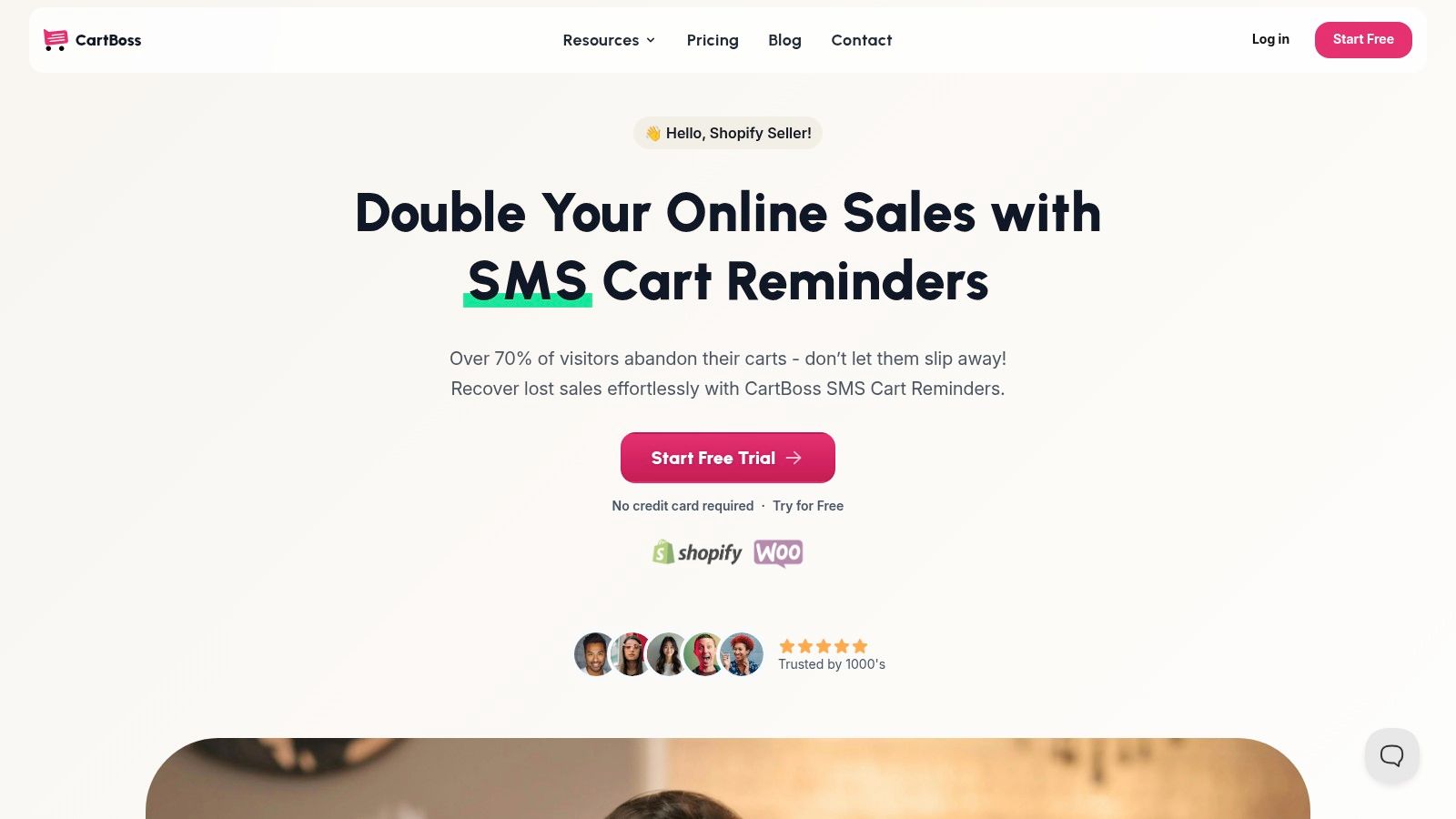
1. CartBoss
CartBoss is the clearest choice when your main recovery bottleneck is speed and SMS reach. Its WooCommerce integration detects abandoned checkout activity, then sends automated text reminders with pre-filled checkout links that restore the cart and can apply a discount when the shopper returns. The WordPress plugin is described as working with both WooCommerce Blocks and classic checkout.
The setup is designed for busy store teams. CartBoss provides pre-written, localized messages, automatic language detection, configurable delays, dynamic discounts, branded sender identification, and automatic Do-Not-Disturb hours. Messages are available in more than 30 languages, which matters when one store serves several markets and manual translation would slow campaign launches.
CartBoss publishes claimed performance figures including a 99% SMS open rate, 50%+ click rate, 4,500% average ROAS, and more than 7 million recovered carts. These are CartBoss’s own claims, not independent benchmarks, so treat them as product-level social proof and validate performance against your store’s consent quality, country mix, margins, and message costs.
Practical rule: A high SMS engagement rate doesn’t automatically mean profitable recovery. Track incremental recovered revenue after message costs, discounts, refunds, and compliance-related exclusions.
Where CartBoss fits best
CartBoss uses pay-as-you-go SMS pricing rather than a monthly subscription. Rates vary by country, so the model can suit stores that want to start with limited exposure, although high-volume campaigns need careful cost monitoring. The product offers a free trial without a credit card and covers the first recovered cart at no charge, according to its published offer.
Its strongest advantages are operational:
- Fast deployment: The plug-and-play WooCommerce integration, pre-written templates, and pre-filled checkout links reduce technical work.
- Localized recovery: Automatic language detection and messages in more than 30 languages support international stores.
- Deliverability safeguards: GDPR and CCPA compliance features, easy unsubscribe handling, branded sender ID, and quiet hours help protect customer experience.
- Measurement: Detailed analytics let you adjust timing, copy, discounts, and campaign performance without coding.
The trade-off is focus. CartBoss is built around SMS recovery for Shopify and WooCommerce, not a broad email CRM or a universal marketing platform. Per-message costs also vary by country and volume. If your priority is a lightweight SMS engine that can launch quickly, CartBoss’s WooCommerce SMS recovery guide shows the channel-specific workflow in more detail.
Website: CartBoss
2. AutomateWoo
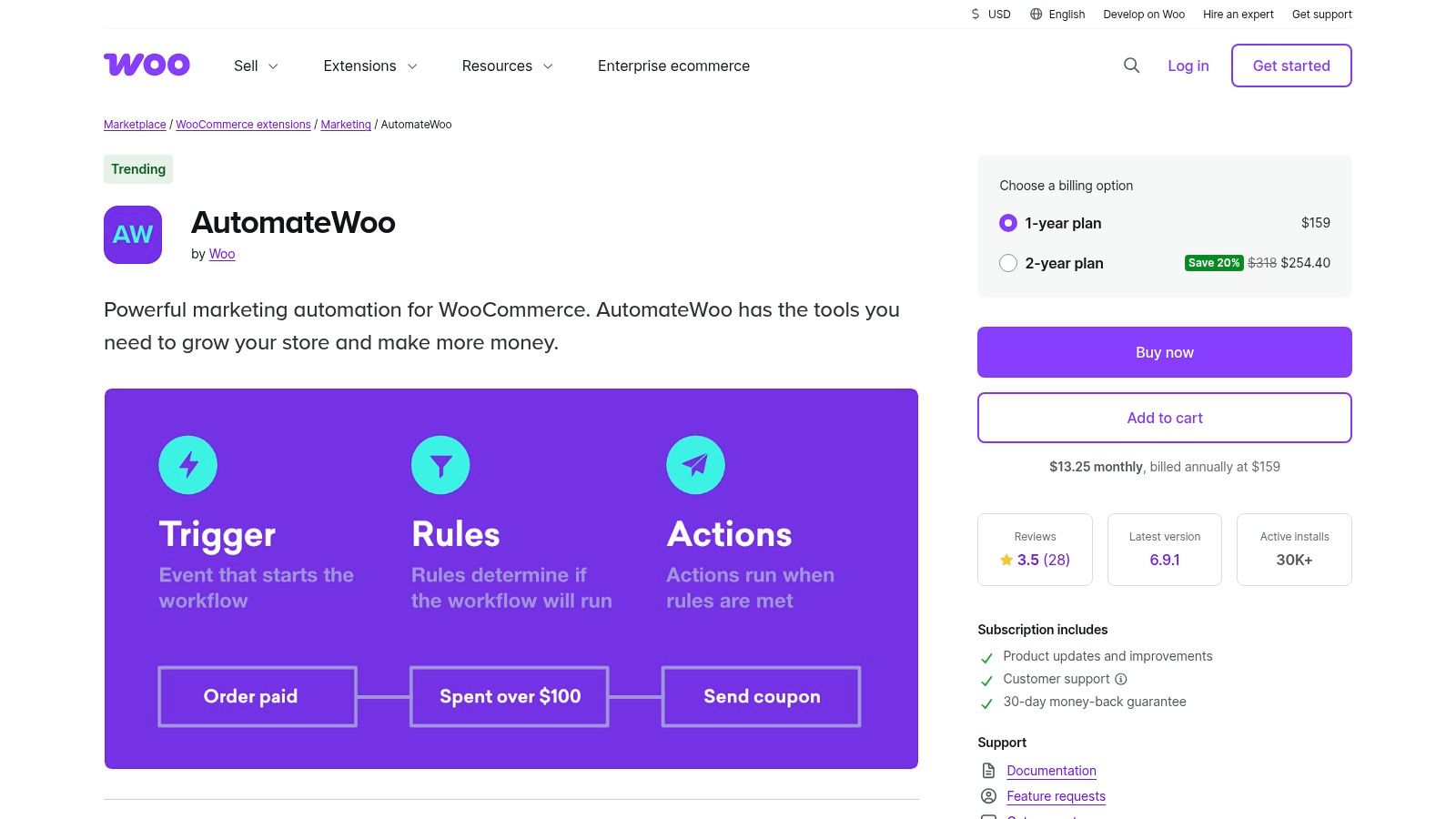
AutomateWoo is most useful when abandoned-cart recovery must connect to a broader native WooCommerce automation system. Running inside WordPress, it can respond to orders, subscriptions, wishlists, and customer activity. The same workflow layer can therefore support cart reminders, post-purchase follow-ups, review requests, win-backs, and VIP journeys.
For recovery, AutomateWoo combines triggers, rules, and actions. Merchants can create multi-step sequences and segment shoppers by store behavior rather than send one reminder to every visitor. That integration depth matters for stores where cart recovery depends on subscription status, order history, or customer properties.
The trade-off is implementation effort. Someone must design, test, and maintain the workflows, which makes AutomateWoo a heavier starting point than a single-purpose cart plugin. Email recovery can remain inside WordPress, while SMS requires a supported external provider such as Twilio. Provider setup, consent handling, and message costs therefore affect actual operating effort.
AutomateWoo fits stores that want control over lifecycle automation and prefer to keep core workflows inside WordPress. Its WooCommerce marketplace listing includes one year of updates and support through WooCommerce.com, plus a 30-day money-back guarantee.
Use it when these requirements matter:
- Native event coverage: Link recovery to subscriptions, orders, wishlists, and customer properties.
- Multi-step logic: Keep welcome, win-back, VIP, and post-purchase journeys connected but distinct.
- WordPress ownership: Avoid introducing a separate automation platform for core store events.
- Provider choice: Add an SMS service when text messaging justifies the extra configuration.
AutomateWoo is a weaker fit for a store seeking localized SMS reminders with minimal setup. Its advantage is integration depth, not the quickest route to a first campaign. For context on connecting recovery with lifecycle workflows, see this guide to marketing automation for ecommerce.
Website: AutomateWoo
3. Cart Abandonment Recovery by CartFlows
Cart Abandonment Recovery by CartFlows fits merchants already using CartFlows funnels and checkout tools. Its ready-made recovery flows reduce setup effort compared with a broader automation framework. The free version centers on email recovery, while Pro adds SMS and WhatsApp sequences.
Its strongest case is operational alignment. Checkout design, funnel behavior, and recovery rules stay within the same product family, which can reduce integration work and troubleshooting. That advantage matters most for stores already committed to CartFlows. A store choosing it only for reminders may gain less from the wider feature set.
Pro adds advanced rules, product-level reporting, dynamic coupon creation, and more detailed coupon logic. Merchants can exclude products or customer roles and tailor messages to specific products instead of sending one generic reminder across the catalog. Product-level control can improve relevance, but it also increases the number of rules to maintain.
The cost model creates a clear decision point. Basic email recovery supports a quick launch. SMS, WhatsApp, and richer reporting require Pro, so stores should compare the expected recovery value with subscription cost and implementation effort. External messaging providers also bring configuration, consent, deliverability, and message-cost decisions.
Choose CartFlows when:
- Fast implementation: Basic recovery flows work out of the box.
- Funnel integration: Recovery sits beside CartFlows checkout and funnel features.
- Product-level control: Rules and reports distinguish products and customer segments.
- Channel expansion: Pro supports email, SMS, and WhatsApp recovery sequences.
CartFlows is a practical choice for funnel-led stores that want recovery close to checkout operations. Stores needing only a basic email sequence may find Pro unnecessary. If checkout performance is also under review, compare the recovery tool with the WooCommerce checkout plugin guide before selecting a standalone product.
Website: Cart Abandonment Recovery by CartFlows
4. Abandoned Cart Pro for WooCommerce by Tyche Softwares
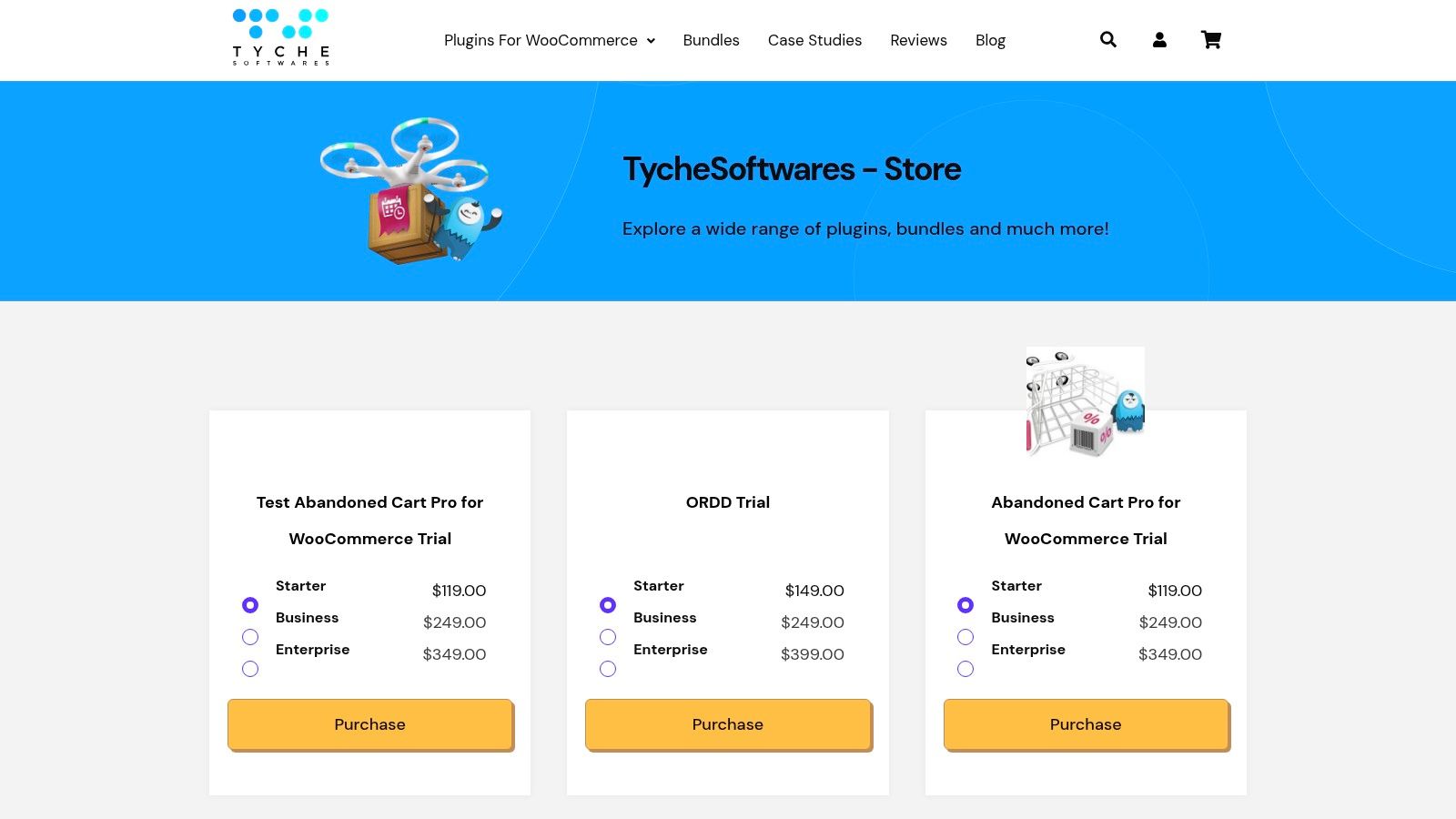
Abandoned Cart Pro suits stores that need granular WooCommerce controls without adopting a full marketing suite. Its recovery tools cover multi-message email sequences, coupon insertion, detailed cart logs, admin notifications, and contact capture through add-to-cart or exit-intent popups.
The early-capture options broaden the pool of shoppers a store can contact. They also move consent and timing decisions earlier in the journey. A popup that appears before a shopper has established intent can create friction, so teams should test its trigger, placement, and opt-in wording rather than assume more capture automatically means more recovered revenue.
Email is the core channel. SMS and WhatsApp reminders are available through external services or integrations, giving advanced teams more reach but adding separate decisions about provider selection, delivery setup, consent records, message costs, and maintenance. Deliverability therefore depends on the surrounding messaging stack, not only on the plugin.
Abandoned Cart Pro fits operators willing to manage those details. Its strongest use case is a store that values rule-level control and cart-level visibility over the shortest possible setup.
- Early data capture: Add-to-cart and exit-intent options can collect contact details before checkout completion.
- Sequence control: Multi-message email follow-ups can include coupons when an incentive supports recovery.
- Operational visibility: Detailed logs help teams review recoverable and recovered carts.
- Multi-store flexibility: Pricing tiers can suit agencies or multi-store setups, while Tyche lists global support and a 30-day refund policy in its product information.
Choose Tyche when recovery rules, coupon logic, and channel configuration will receive ongoing attention. A smaller team seeking a quick email workflow may prefer a narrower tool, while stores considering SMS or WhatsApp should assess provider costs and consent operations before expanding beyond email. The guide to WooCommerce abandoned cart recovery provides useful context for the workflow.
Website: Abandoned Cart Pro for WooCommerce
5. FunnelKit Automations
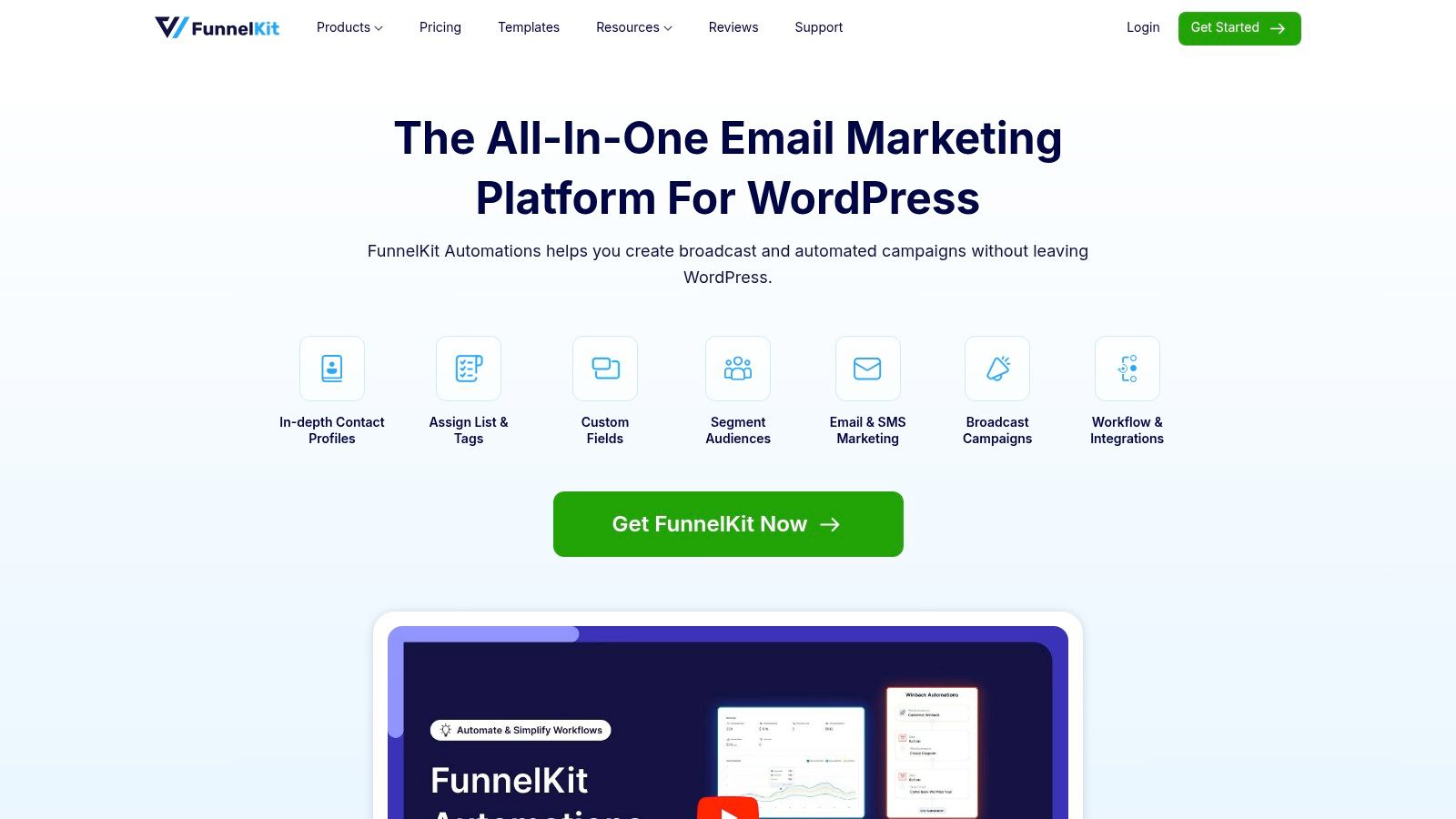
FunnelKit Automations treats abandoned-cart recovery as one workflow inside a visual WordPress CRM and automation workspace. Its prebuilt recipes, real-time cart tracking, flow builder, segmentation, broadcasts, email builder, and optional SMS support make it broader than a single-purpose recovery plugin.
That breadth changes the implementation decision. A store can connect cart recovery with welcome messages, customer segments, broadcasts, and other lifecycle campaigns, but the setup requires more planning than sending one reminder with a recovery link. Teams should assess the available channel, consent process, deliverability controls, and staff time before adopting the wider system.
The free edition supports core cart recovery, allowing a store to test the workflow before paying for expanded capabilities. Pro adds greater automation and CRM depth. Plan names, bundles, promotions, and pricing may change, so compare the current offer with the features your store will operate.
Where FunnelKit fits
FunnelKit suits marketers who prefer mapping a customer journey visually instead of managing isolated triggers. Its real-time tracking separates recoverable, recovered, and lost carts, giving operators a practical view of which carts remain actionable and which workflows produce results.
Choose it when you need:
- Visual automation: Build and review workflows in a flow interface rather than relying only on rule screens.
- CRM context: Combine cart recovery with segmentation and customer communication.
- WordPress control: Keep the automation system connected to the store’s WordPress environment.
- A broader toolkit: Run email, broadcasts, and optional SMS alongside cart recovery.
The trade-off is setup effort. A merchant focused mainly on SMS may prefer a channel-first platform with simpler execution. FunnelKit is a stronger fit when abandoned-cart recovery forms part of a wider WordPress marketing program and the team can maintain its workflows.
Website: FunnelKit Automations
6. Retainful
Retainful is a practical choice for stores testing omnichannel lifecycle marketing without a long implementation project. Its WooCommerce integration supports abandoned-cart, browse-abandonment, welcome, win-back, and post-purchase workflows through email, SMS, and WhatsApp. That channel coverage matters when recovery revenue depends on reaching shoppers beyond the inbox.
The platform provides an email builder, templates, popups, segmentation, and analytics. Its free plan includes available features with a send cap, giving smaller teams a lower-risk way to test workflow design before increasing campaign activity. The trade-off is that send limits and third-party channel charges can make the plan’s headline cost less useful than a channel-by-channel calculation.
Retainful runs as a SaaS platform. The provider manages the application environment, reducing the operational work of running broader campaigns, while customer and cart data are processed and stored off-site. Before connecting WooCommerce, review privacy requirements, data-processing terms, access controls, and regional obligations.
Evaluate the channel mix before launch
SMS and WhatsApp may create costs outside the platform plan, including Meta WhatsApp conversation fees. Confirm how consent, customer identification, and channel delivery work in your checkout flow. These details affect how many abandoned carts can enter a recovery sequence and whether the expected revenue justifies the setup.
Retainful fits a team that wants:
- Low-friction deployment: Prebuilt flows and templates shorten setup.
- Multiple recovery channels: Coordinate email, SMS, and WhatsApp.
- Lead capture: Add popups to automated cart recovery.
- Revenue reporting: Review recovered revenue and flow performance in one platform.
- Lifecycle coverage: Extend campaigns to browse abandonment, welcome, win-back, and post-purchase journeys.
Choose Retainful when your store values channel breadth and accepts off-site data processing. A WordPress-native tool is a better fit when keeping automation and data closer to WooCommerce matters more than broader channel coverage.
Website: Retainful
7. Omnisend for WooCommerce
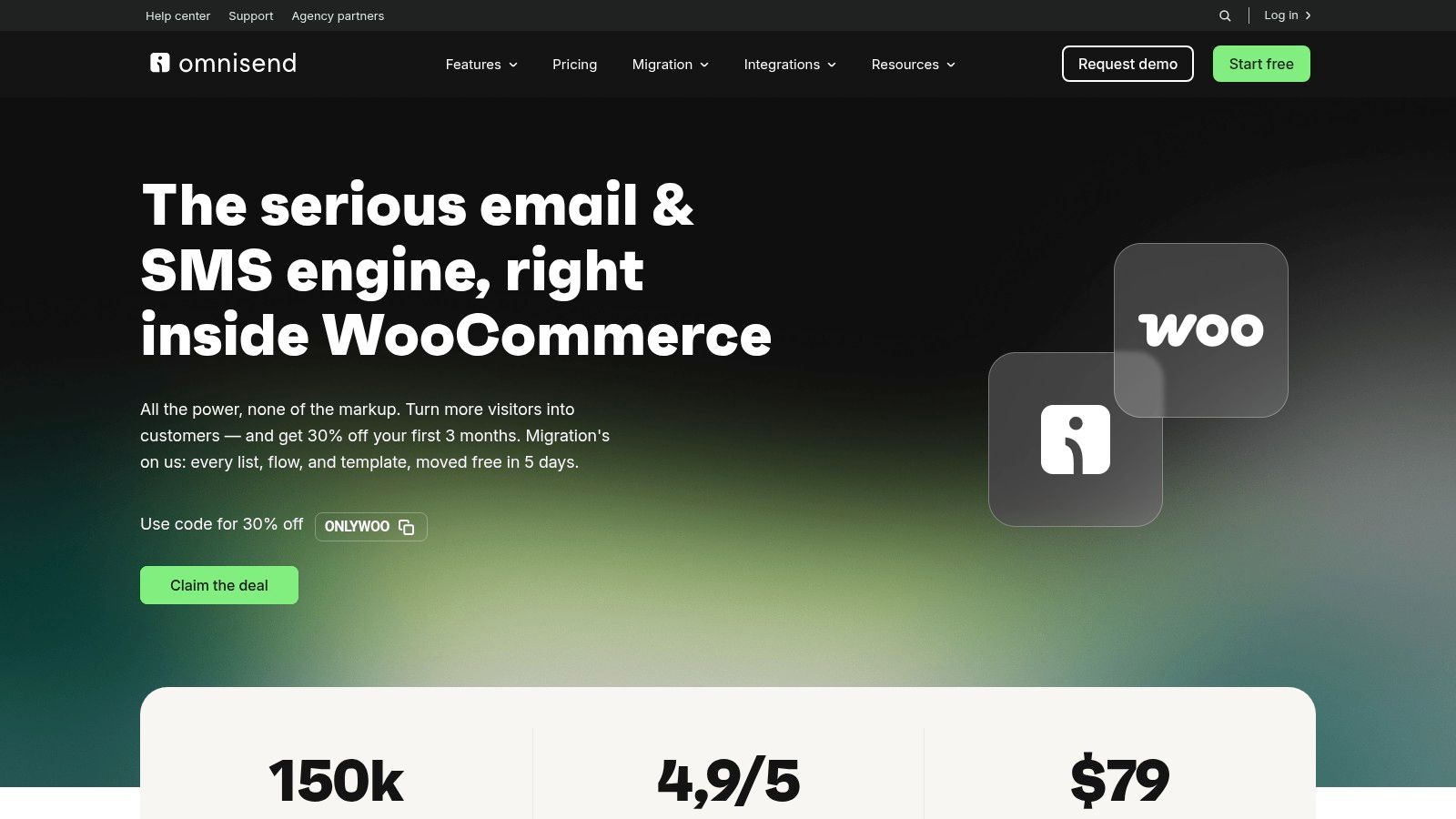
Omnisend is the strongest fit for brands that see abandoned-cart recovery as part of broader lifecycle marketing. Its official WooCommerce plugin syncs store data and supports prebuilt abandoned-cart, checkout-abandonment, and browse or product-abandonment workflows. That wider coverage helps marketers address more than the final cart event.
The platform supports email and SMS, segmentation, templates, and detailed reporting. Its SaaS delivery model brings mature campaign tooling and deliverability controls, but it also introduces subscription considerations and a dependency on shopper identification. Omnisend tracks abandoned carts once a shopper is identified, so anonymous activity may not be equally recoverable.
SMS also requires careful validation. Phone-number syncing can vary by use case, so confirm how the integration handles the specific checkout, consent, and customer-identification paths in your store before designing the campaign.
Use Omnisend beyond the cart
Omnisend is appropriate when the marketing team already needs coordinated campaigns across the customer lifecycle. A single platform can connect cart reminders with browse abandonment, checkout follow-up, segmentation, and reporting. That broader scope can justify the SaaS subscription when the team will use more than one workflow.
It’s less suitable when you only need a lightweight WooCommerce plugin or want usage-based SMS recovery without a broader marketing platform. Compare the cost of the wider system with the actual campaigns your team will maintain.
Before choosing, review this CartBoss versus Omnisend comparison if SMS-first recovery is still under consideration.
Website: Omnisend for WooCommerce
Top 7 WooCommerce Abandoned Cart Plugins, Feature Comparison
| Tool | 🔄 Implementation complexity | ⚡ Resource & cost | ⭐📊 Expected outcomes | 💡 Ideal use cases | Key advantages |
|---|---|---|---|---|---|
| CartBoss | 🔄 Very low, 2‑minute plug‑and‑play Shopify/WooCommerce install | ⚡ Pay-as-you-go SMS; no monthly fee (per‑message rates vary by country) | ⭐ Very high (claims 99% open, 50%+ click, 4,500% ROAS; strong cart recovery) | 💡 Merchants wanting fast, SMS-first recovery and immediate ROI | Plug‑and‑play, multilingual, GDPR/CCPA, branded sender ID, analytics, free trial |
| AutomateWoo | 🔄 Medium-high, runs inside WordPress; steeper learning curve for complex flows | ⚡ Paid plugin (WooCommerce license); no external SaaS; SMS requires external provider (extra cost) | ⭐ Reliable, deep WooCommerce event coverage and granular targeting | 💡 Stores that want on‑site, first‑party automation tightly integrated with WooCommerce | Native WooCommerce support, many automation recipes, marketplace-backed support |
| Cart Abandonment Recovery (CartFlows) | 🔄 Low, out‑of‑the‑box recovery flows; Pro for advanced rules | ⚡ Free tier for email; Pro adds cost for SMS/WhatsApp and advanced features | ⭐ Moderate, effective for funnel users; richer reporting in Pro | 💡 Users of CartFlows funnels/checkout seeking quick recovery flows | Fast setup, integrates with CartFlows, free basic version |
| Abandoned Cart Pro (Tyche Softwares) | 🔄 Medium, feature-rich; configuration for logs, popups and sequences | ⚡ Tiered pricing (scales for agencies/multi‑store); SMS via integrations (extra) | ⭐ Good, granular control, detailed cart logs and multi-message sequences | 💡 Stores needing early capture popups, coupon control and audit logs | Long-standing product, scalable pricing, robust WooCommerce focus |
| FunnelKit Automations (Autonami) | 🔄 Medium-high, visual flow builder and CRM setup; broader feature scope | ⚡ Free basic version; Pro adds automation/CRM features; SMS optional via providers | ⭐ Good, CRM + automation improves lifecycle recovery when configured | 💡 Merchants wanting integrated CRM, segmentation and visual automations in WP | All‑in‑one WordPress plugin, visual flows, free baseline for basic recovery |
| Retainful | 🔄 Low, SaaS with prebuilt omni‑channel flows and quick deployment | ⚡ Volume-based pricing with free plan; SaaS fees and potential third‑party SMS/WhatsApp charges | ⭐ Strong, omni‑channel recovery with clear analytics and templates | 💡 Brands seeking fast omni‑channel setup and transparent pricing | Omni‑channel (email/SMS/WhatsApp), templates, popups, free tier |
| Omnisend for WooCommerce | 🔄 Low–Medium, SaaS setup plus official WooCommerce plugin integration | ⚡ Subscription SaaS; SMS costs may apply; strong deliverability infrastructure | ⭐ High, mature platform with robust deliverability, templates and reporting | 💡 Brands scaling lifecycle marketing beyond cart recovery with advanced reporting | Mature SaaS, cross‑channel automations, detailed segmentation and analytics |
Choose the Recovery Stack You Can Operate Consistently
The best choice depends on the workflow your team can run reliably:
- Choose CartBoss for fast, SMS-first recovery, localized campaigns, pre-filled checkout links, and usage-based pricing.
- Choose AutomateWoo for native WooCommerce event automation across carts, orders, subscriptions, wishlists, and lifecycle workflows.
- Choose CartFlows when your store already relies on CartFlows funnels and checkout tools.
- Choose Tyche Softwares for detailed WooCommerce controls, early capture, multi-message sequences, and cart-level logs.
- Choose FunnelKit Automations for visual WordPress CRM workflows, segmentation, and broader automation.
- Choose Retainful for accessible omnichannel deployment across email, SMS, and WhatsApp.
- Choose Omnisend for lifecycle marketing that extends from carts into checkout, browse abandonment, segmentation, and wider customer journeys.
Before launch, verify consent collection and unsubscribe handling for every channel. Confirm that recovery links are secure, customer data is handled appropriately, and any auto-login or checkout restoration feature doesn’t expose shoppers to unnecessary risk. Plugin choice is partly a revenue decision and partly a privacy, security, and compliance decision.
Set quiet hours for SMS, test message timing, and avoid treating discounts as the default solution. A pre-filled checkout link may remove friction without reducing margin, while a dynamic discount can help only when price is the objection. Compare the results of different messages and incentives by channel, customer segment, country, and product category.
Measurement should start with a baseline. The standard abandonment formula is 1 minus completed transactions divided by carts created, multiplied by 100, as explained in WooCommerce cart-abandonment measurement guidance. WooCommerce-specific guidance also emphasizes that the platform doesn’t natively provide complete cart-abandonment metrics, so analytics or a dedicated plugin is needed to compare carts created with completed purchases. WooCommerce’s abandoned-cart documentation shows how mature recovery tools now expose abandoned, recovered, retained, email, coupon, amount, and timestamp data.
Don’t judge a plugin by sends, clicks, or opens alone. Track incremental recovered revenue, recovery rate, opt-in rate, unsubscribe rate, message cost, discount cost, and revenue by channel. WooCommerce-focused benchmark data reports a 71.8% average cart-abandonment rate, 3.6% recovery via automated recovery emails, and a $174 average order value for recovered carts, so the business case depends on both conversion and the value of the orders you recover. See the WooCommerce benchmark summary for that context.
Run one controlled recovery flow first. Verify capture, consent, delivery, link behavior, attribution, and checkout restoration, then compare the flow with your baseline before expanding to more products or channels. For stores that need a fast SMS-first test, CartBoss offers the most direct route among these options, while its WooCommerce recovery resources can help shape the first campaign.
CartBoss gives WooCommerce stores automated SMS recovery, localized messages, pre-filled checkout links, dynamic discounts, quiet hours, compliance features, and usage-based pricing without a monthly subscription. Test one flow, measure incremental recovered revenue and opt-in quality, then visit CartBoss to start recovering abandoned carts with a fast SMS-first workflow.