



Picking the right marketing automation tool really comes down to three things: your business size, your budget, and how well it needs to play with the other software you’re already using.
If you’re looking for an all-in-one system with a CRM baked right in, HubSpot is the obvious frontrunner. But if you need seriously advanced automation workflows and deep customer segmentation without the enterprise price tag, ActiveCampaign is probably your best bet.
How To Choose Your Marketing Automation Platform
Making a decision on a marketing automation platform is a big deal. It directly shapes how you attract, engage, and hold onto your customers. The market feels crowded, sure, but once you understand the key players and who they’re built for, the choice gets a lot simpler.
A quick look at market share shows a few platforms clearly dominate the space. As of 2025, HubSpot leads the pack with a massive 29.36% share of the global market. That puts them way ahead of competitors like Adobe Experience Cloud (5.46%) and ActiveCampaign (4.92%).
What this tells us is that while HubSpot is the clear leader, other platforms have carved out important niches by zeroing in on what specific types of users really need.
High-Level Comparison of Leading Automation Tools
Before we get into the nitty-gritty, this quick table is your cheat sheet. It’s designed to help you immediately see which platform vibes with your main goals, whether you’re a small business owner, a marketing manager at a growing company, or part of a huge enterprise team. Many platforms are masters of a particular domain, and for a closer look at one of the most critical functions, it’s worth checking out dedicated guides on email marketing automation tools.
| Platform | Best For | Key Feature | Pricing Model |
|---|---|---|---|
| HubSpot | Businesses needing an all-in-one solution with a native CRM | Seamless integration across marketing, sales, and service hubs | Tiered, based on features and contact count |
| ActiveCampaign | Marketers requiring advanced automation logic and segmentation | Sophisticated visual workflow builder with deep conditional logic | Tiered, based on contact count and feature access |
| Adobe Experience Cloud | Large enterprises needing a comprehensive, data-driven solution | End-to-end customer experience management and analytics | Custom enterprise-level pricing |
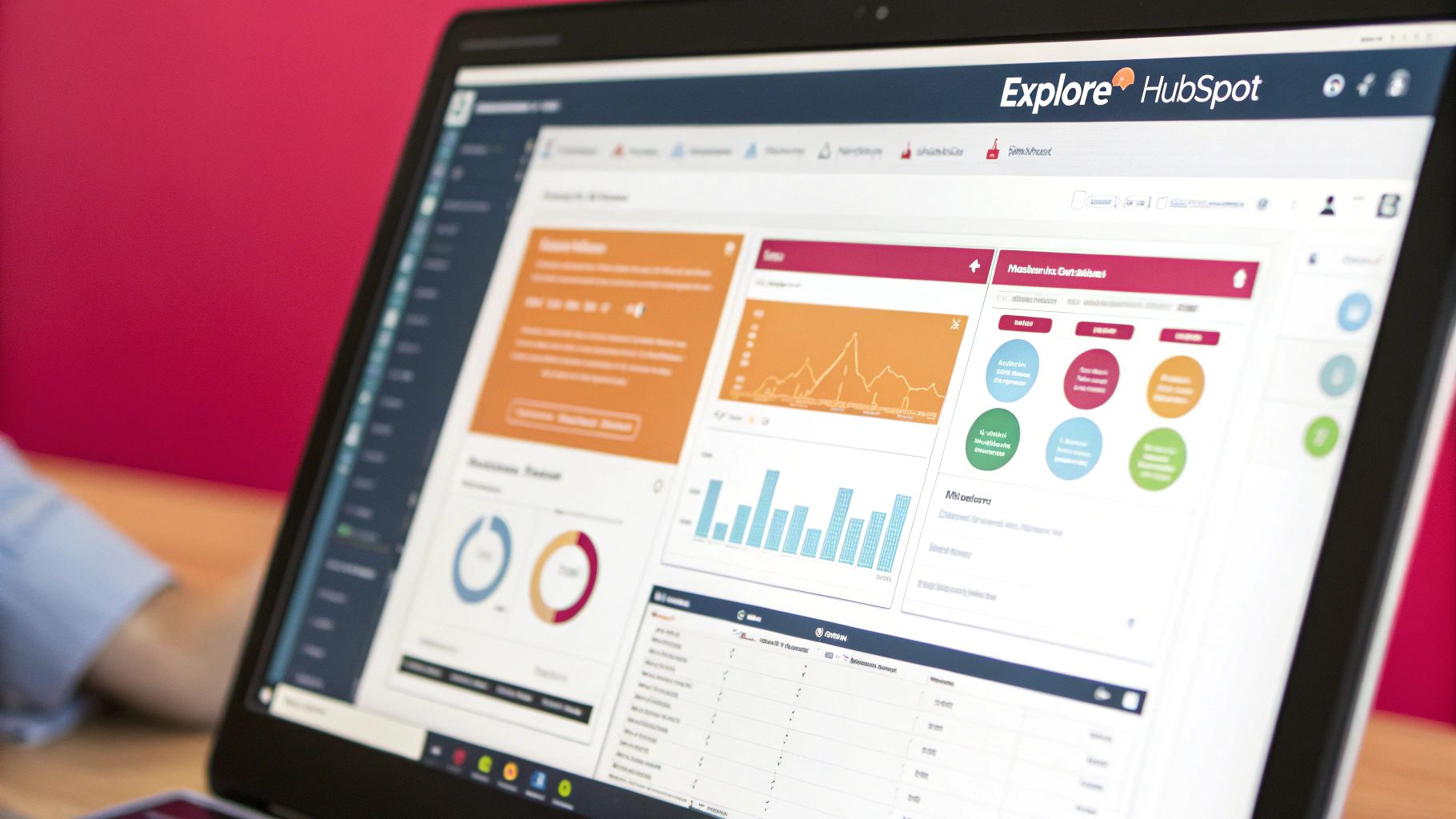
This HubSpot marketing dashboard is a perfect example of how an all-in-one platform brings everything together, letting you see campaign performance and customer engagement in one clean view.

This screenshot really drives home the value of having a unified system. When your marketing, sales, and service data are all connected, you get a complete picture of the customer journey.
If you want to learn more about tying all your customer touchpoints together, have a look at our guide on finding the best omnichannel marketing software. This quick overview should give you a solid starting point before we dive deeper into what makes each of these platforms tick.
Why Marketing Automation Is No Longer Optional
Not long ago, marketing automation was a nice little tool for saving time on a few repetitive tasks. Today? It’s the engine driving scalable growth and the one thing separating you from the competition. If you’re still manually managing leads and customer interactions, you’re not just working harder—you’re getting left behind.
Automation platforms have become the backbone for creating smart, multi-channel customer journeys. They give you the power to deliver personalized experiences at a scale that’s flat-out impossible for a human to manage, turning marketing from a cost center into a predictable revenue machine. As this integrated email marketing and lead generation guide points out, trying to do this manually just doesn’t cut it anymore.
The Accelerating Market Demand
The rush to adopt these tools isn’t just a trend; it’s a fundamental shift in how business is done. The global marketing automation market is pegged at $6.65 billion in 2024 and is on track to more than double to $15.58 billion by 2030.
That’s a massive compound annual growth rate (CAGR) of 15.3%, with North America leading the pack. You can read more about these market growth projections yourself.
This chart lays it out perfectly, showing a clear, steep climb in market value over the next few years.
The data tells a simple story: waiting to adopt is a missed opportunity. It’s not about keeping up anymore. It’s about setting your business up to win in the future.
Adopting marketing automation is no longer about doing more with less—it’s about doing what was previously impossible. It’s the only way to nurture every lead, personalize every interaction, and prove marketing’s direct impact on revenue.
From Expense To Essential Investment
Putting money into the right platform is a game-changer for any business that’s serious about growth. It directly affects your ability to improve lead quality, build real customer relationships, and actually execute proven effective marketing strategies for measurable growth.
This is exactly why a detailed marketing automation tools comparison is so important. The right choice helps you:
- Scale Personalization: Automatically send the right message to the right person at the right time. Every time.
- Improve Lead Nurturing: Guide potential customers through their buying journey with relevant, automated touchpoints.
- Enhance Efficiency: Free up your team from mind-numbing tasks so they can focus on big-picture strategy and creativity.
- Gain Deeper Insights: Use real data to understand what your customers are doing and make your campaigns better.
At the end of the day, automation is the key to building a marketing operation that’s tough, scalable, and incredibly effective.
Understanding The HubSpot Marketing Hub
When your goal is to create a single source of truth for every customer interaction, HubSpot really shines. It’s built on the philosophy that marketing, sales, and service shouldn’t operate in their own little bubbles. Instead, they should work together from one unified platform, and you can feel that principle in every feature.
HubSpot’s core strength is its mix of intuitive design and powerful functionality. It’s made for teams who need something easy to use but aren’t willing to compromise on capabilities. Everything revolves around its robust (and famously free) CRM, which acts as the central nervous system for all your customer data.
This tight integration means every automated workflow, email campaign, or landing page view is instantly tied to a contact’s record. Your teams get a complete, 360-degree view of the customer journey without needing clunky workarounds or third-party connectors.
All-in-One Simplicity and Power
At its heart, HubSpot is an all-in-one platform designed to simplify your tech stack. You get tools for email marketing, landing pages, social media management, content management, and deep reporting, all under one roof.
The real magic happens in its visual workflow builder. It’s a drag-and-drop interface that makes creating complex automation sequences feel surprisingly simple, even for non-technical marketers. You can kick off workflows based on almost any trigger you can think of, from a form submission to a specific page view or email open.
For example, a B2B service firm can build a slick lead nurturing sequence. When a prospect downloads a whitepaper, HubSpot can automatically enroll them in an email drip campaign, tweak their lead score based on engagement, and ping a sales rep once they hit a “sales-qualified” threshold. The whole workflow is clear, visual, and easy to adjust on the fly.
The biggest advantage HubSpot offers is the seamless connection between its Marketing Hub and its free CRM. This gives you a single, unified view of every customer, turning scattered data points into a coherent story that both marketing and sales teams can actually use.
Real-World Automation Scenarios
Let’s break down how this works in practice for a couple of different business models.
- E-commerce Brands: An online store can set up an automated abandoned cart recovery process. HubSpot can trigger a multi-step email sequence an hour after a cart is abandoned, maybe following up with a small discount 24 hours later if the customer still hasn’t pulled the trigger. Every step is trackable, giving you clear insights into what’s working.
- SaaS Companies: A software company can create an automated onboarding journey for new trial users. Based on in-app behavior, HubSpot can send targeted emails with tips, tutorials, and case studies relevant to the features a user is exploring, nudging them toward activation and, ultimately, conversion.
The platform’s reporting dashboard gives you the tools to measure the real impact of these efforts. You can easily build custom reports showing how your automated workflows are contributing to lead generation, customer acquisition, and revenue. Getting a handle on your customer’s journey is crucial, and you can learn more about what is marketing attribution to connect your marketing efforts directly to results.
Here’s a look at HubSpot’s visual workflow builder, which lets marketers map out customer journeys with clear logic and actions.
This screenshot shows just how easy it is to visualize automation, using simple “if/then” branches to create personalized paths for contacts.
Pricing and Scalability Considerations
While HubSpot’s user-friendliness is a massive plus, its pricing is a key factor to consider, especially as you grow. The platform uses a tiered structure, and your costs will go up based on the number of marketing contacts in your database and the features you need.
The free tools are fantastic for getting your feet wet, but the real marketing automation muscle is found in the premium tiers (Professional and Enterprise). For small businesses, the initial investment can feel steep.
However, for growing companies that will actually use the full suite of tools across marketing, sales, and service, the value of having a single, integrated system often justifies the price tag. The key is to be realistic about whether your team will fully adopt the platform’s extensive features.
Diving Deep Into ActiveCampaign’s Automation Engine
If HubSpot is the all-in-one ecosystem, ActiveCampaign is the specialist’s choice—a true powerhouse for businesses that want deep, granular control over their automation without the enterprise price tag. It’s designed for marketers who live and breathe “if/then/else” logic and need a tool that can execute their most complex strategies flawlessly.
The heart of ActiveCampaign is its visual automation builder. This isn’t just a basic sequencing tool; it’s a dynamic canvas where you can map out incredibly detailed customer journeys. You can set up workflows with multiple starting points, build out complex conditional paths, and A/B test every little detail to squeeze the most out of each touchpoint.
Taking Full Control of the Customer Journey
Where the platform really shines is in its ability to react instantly to what your customers are doing. It unlocks a level of personalization that simpler tools just can’t touch.
Imagine a SaaS company setting up an onboarding flow for new trial users. If someone starts exploring a specific feature, the automation can instantly send them a targeted email with a quick tutorial video for that exact function. But if they ignore another key feature? The system can ping them with a follow-up explaining why it’s so valuable. This creates a tailored, supportive experience for every single user. This is a huge deal for smaller companies trying to get the most from every interaction, a topic we cover in our guide on marketing automation for small business.
ActiveCampaign’s true differentiator is its ability to build complex, goal-oriented automations that are miles ahead of what simpler platforms offer. This makes it a favorite among marketers who crave maximum flexibility and control over the entire customer journey.
The platform gives you an impressive set of tools to create these experiences. This infographic gives a quick breakdown of what ActiveCampaign brings to the table.
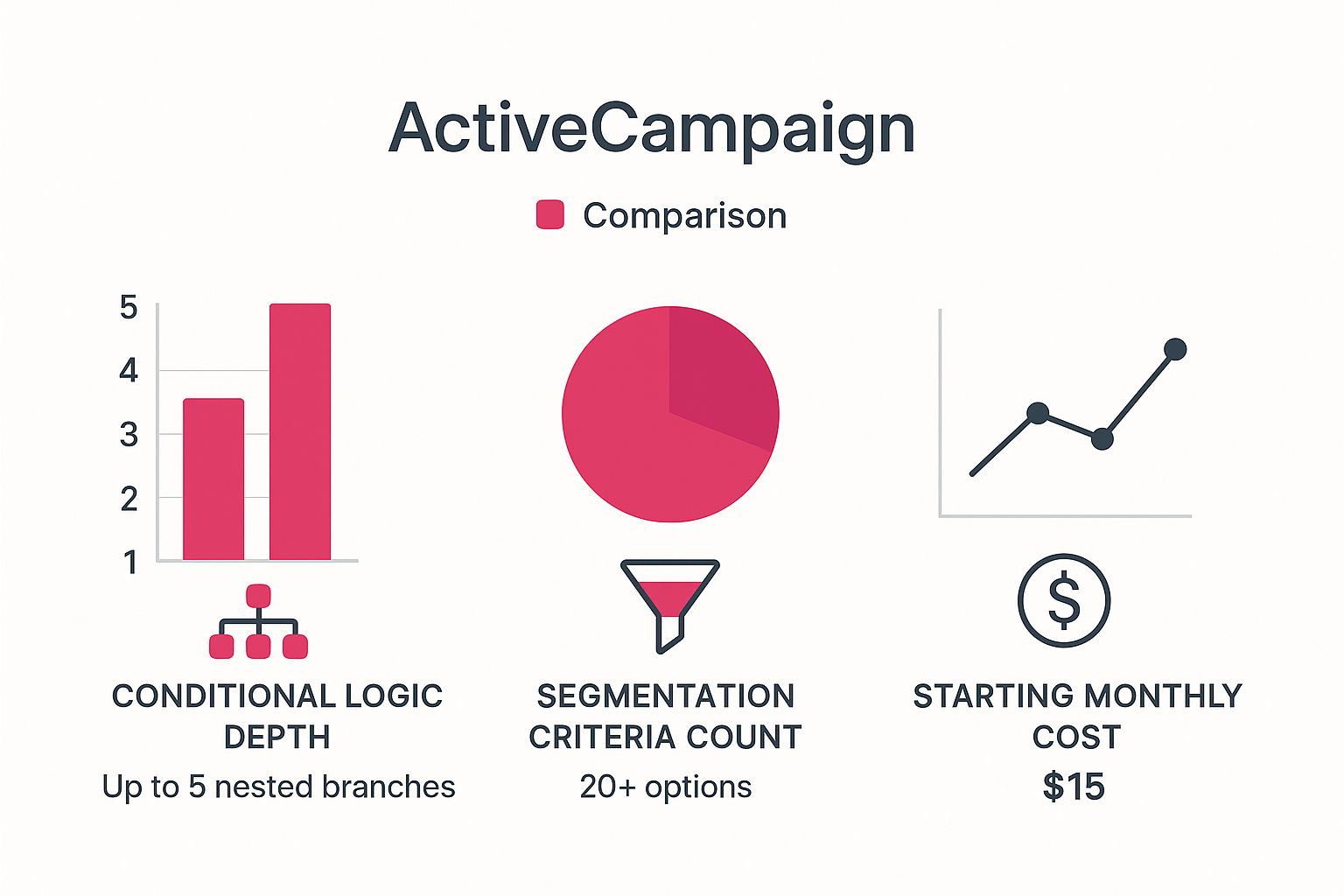
As you can see, the platform hits a sweet spot between powerful functionality—like its incredibly detailed segmentation and conditional logic—and a reasonable entry price, making it a serious player in any marketing automation tools comparison.
Real-World Automation in Action
Let’s look at another practical example. A course creator could use ActiveCampaign to segment their audience based on how engaged they are.
- Your Biggest Fans: Subscribers who open every email and click every link can be automatically tagged and put on a VIP list to get early access to new courses.
- The Quiet Ones: Anyone who hasn’t opened an email in 60 days can be dropped into a re-engagement campaign with a special discount to bring them back.
- Topic-Specific Interests: If someone keeps clicking on links about “advanced SEO,” you can segment them into an audience that only gets super-relevant content on that topic.
This is what the automation builder looks like in practice. You can visually map out these complex flows with different branches and actions.
The interface makes it really clear how you can build these multi-path journeys that respond directly to what each person does.
A Smart Mix of Email Marketing and CRM
Unlike a lot of tools that are email-first, ActiveCampaign has a built-in CRM right at its core. This is huge because it connects your marketing and sales efforts seamlessly. Deals can be created and updated automatically in the CRM based on marketing activity, and your sales team can even trigger automations straight from a contact’s profile.
This tight integration means no leads ever get lost in the shuffle. It gives you a complete picture of every customer, from their first visit to their latest purchase, so both teams are working from the same playbook. This blend of advanced automation, deep segmentation, and an integrated CRM makes ActiveCampaign an incredibly powerful and flexible tool for any business serious about personalizing its growth.
A Scenario-Based Automation Workflow Comparison
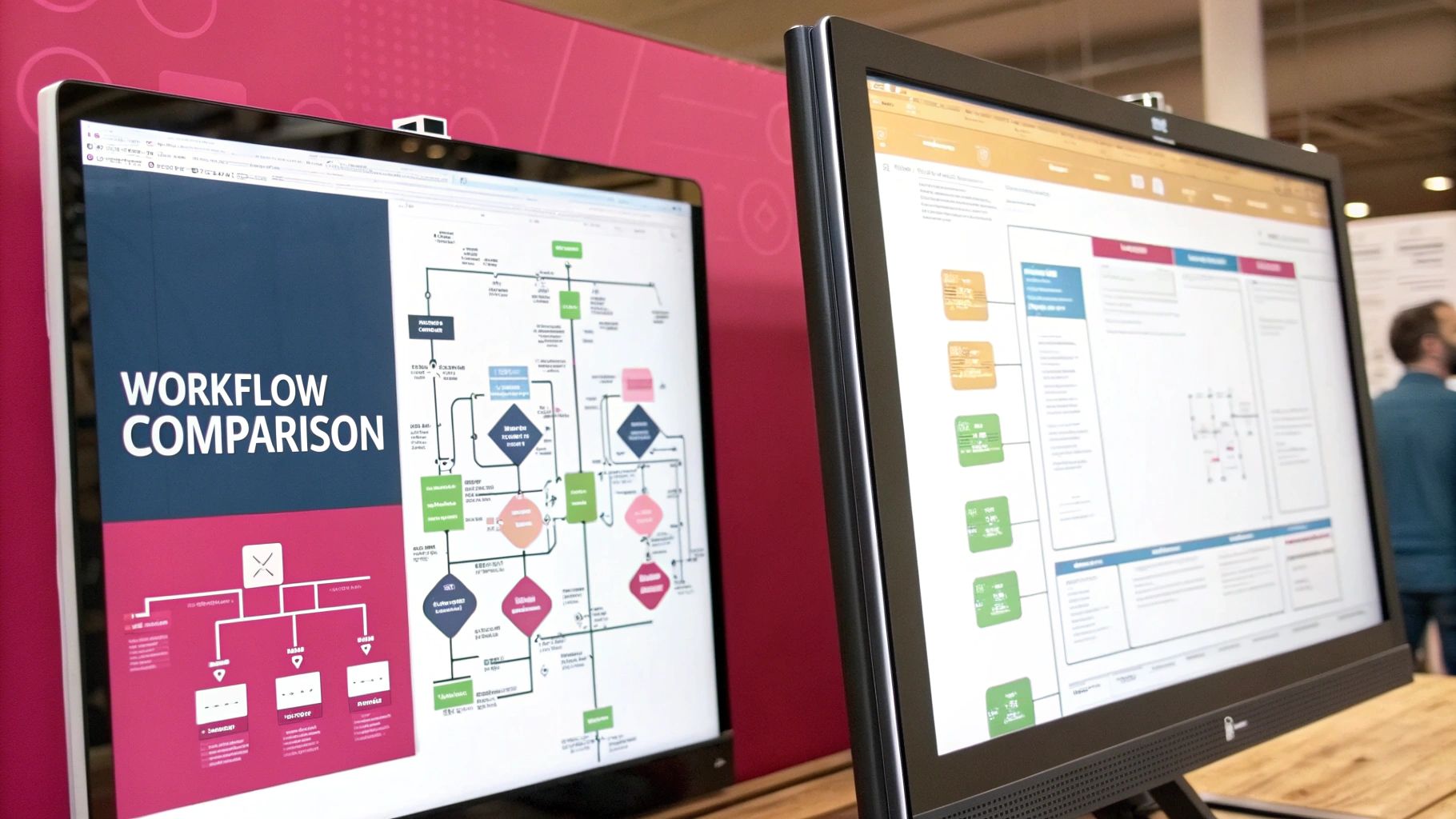
A feature list only tells you half the story. To really get a feel for a marketing automation platform, you have to see how it thinks—how it actually builds and runs a campaign from the ground up. The true test isn’t about ticking boxes, but seeing which tool’s logic clicks with how your team works.
So, let’s toss the abstract feature lists aside and build a real, practical workflow. This is where you see the personality of each tool shine through, showing you not just what they can do, but how it feels to use them every single day.
The Scenario: Nurturing a Webinar Lead
Picture this: someone just registered for your webinar. Awesome. Now the work begins. Your goal is to keep them engaged, make sure they actually show up, and then follow up intelligently based on whether they attended or not. It’s a classic marketing funnel.
This process involves timed emails, “if/then” logic, and sorting contacts into different buckets. It’s a bread-and-butter task for any B2B company, and how HubSpot and ActiveCampaign tackle it speaks volumes about their core design philosophies. One goes for seamless simplicity; the other offers deep, granular control.
HubSpot’s Approach: Integrated and User-Friendly
HubSpot’s biggest strength is its all-in-one ecosystem. Setting up this webinar workflow feels incredibly smooth, almost effortless, especially for teams who just want to get things done without getting lost in the technical weeds. Their visual builder lays everything out in a way that just makes sense.
Here’s a quick rundown of how it would play out in HubSpot:
- Trigger: The moment a contact fills out your webinar registration form, the workflow kicks off. Since the form is native to HubSpot, there’s zero setup needed to connect the two.
- Immediate Action: Instantly, a confirmation email shoots out with calendar links. At the same time, the contact gets added to a “Webinar Registrants” list.
- Time Delay: The system then pauses, waiting until two days before the event.
- Reminder Email: A friendly reminder goes out, maybe with some pre-webinar content to get them excited.
- Sales Notification: In the background, a task can be automatically created in the HubSpot CRM, pinging a sales rep to check out the new lead.
After the webinar, HubSpot’s integrations (like with Zoom) really flex their muscles. The platform can automatically tell who attended and who was a no-show, dropping them into separate follow-up sequences. Everything feels connected because it all lives under one roof—forms, emails, CRM, the works. For more ideas on flows like this, check out these excellent marketing automation workflow examples.
The real magic with HubSpot is how it bundles actions that would normally require a bunch of different tools. A marketer can just add a step that lets the lead book a meeting directly on a sales rep’s calendar using HubSpot’s own scheduling tool—no Zapier, no extra apps, no fuss.
ActiveCampaign’s Approach: Flexible and Granular
ActiveCampaign is for the marketer who loves to tinker and wants absolute control over every little detail. It might take a bit more planning to set up, but the power you get in return is immense. The “if/then/else” logic here is on another level, letting you build some incredibly personalized customer journeys.
Let’s build that same webinar scenario in ActiveCampaign:
- Trigger: You’ve got options. The workflow can start from a form submission, when a tag is added, or when a contact joins a list. That flexibility is a huge plus right from the start.
- Segmentation: Right away, you can use an “If/Else” split to check the contact’s lead score. If it’s over a certain number, notify sales. If not, they continue down the standard nurture path.
- Wait Conditions: ActiveCampaign’s “Wait” actions are far more advanced. You can wait for a specific date, or you can get clever and “wait until conditions are met”—like pausing the sequence until the contact visits your pricing page.
- Split Testing: Want to know which reminder email works best? You can easily A/B test them right inside the workflow. Send 50% of registrants an email with a customer testimonial and the other 50% one with a speaker bio to see what drives more engagement.
Once the event is over, you’d use tags like “Attended Webinar” or “No-Show Webinar” based on data from your webinar software. These tags then become the triggers for entirely separate, hyper-targeted automations. ActiveCampaign is a master of this tag-based logic, creating a system that truly adapts to what your users are doing.
Scenario-Based Workflow Capability Comparison
A head-to-head feature list doesn’t capture the true experience of using these tools. To really understand the difference, let’s break down how HubSpot and ActiveCampaign handle common automation tasks within our webinar scenario, focusing on the feel and flexibility of each platform.
| Automation Scenario | HubSpot Approach & Ease of Use | ActiveCampaign Approach & Flexibility |
|---|---|---|
| Initial Lead Capture & Trigger | Extremely simple. Triggering from a native HubSpot form is automatic and requires no configuration. Great for “set it and forget it” setups. | Highly flexible. Can trigger from forms, tags, API calls, or site events. Offers more entry points for complex, multi-channel campaigns. |
| Conditional Logic (If/Then) | Straightforward and visual. Uses simple branches based on contact properties or list membership. Easy for anyone to understand and implement quickly. | Powerful and multi-layered. “If/Else” logic can be nested with advanced conditions (e.g., has visited X page but not Y page). Built for precision. |
| Sending Follow-up Emails | Cohesive. Uses the built-in email editor and CRM data for personalization. The process is seamless from workflow to inbox. | Advanced. Offers in-workflow A/B testing of emails and content. Can split-test subject lines, content, and sender info on the fly to optimize. |
| Sales Team Handoff | Integrated. Creates tasks, rotates leads, and notifies owners directly within the HubSpot CRM. The entire handoff is visible in one place. | Versatile. Can notify sales via internal email, Slack, or by updating a deal in its native CRM or a third-party one. Relies heavily on tags and custom fields. |
| Post-Event Segmentation | Automated via integrations. Deep integrations (like Zoom) automatically update contact records to segment attendees vs. no-shows. Less manual work required. | Tag-driven. Relies on applying tags (e.g., “Attended_Webinar_2024”) to trigger separate follow-up automations. Offers more granular control for complex segmentation. |
Ultimately, the choice comes down to your team’s needs. HubSpot provides an incredibly intuitive, all-in-one experience that’s perfect for teams focused on speed and simplicity. ActiveCampaign, on the other hand, is a powerhouse of flexibility, ideal for marketers who want to fine-tune every step of the customer journey with precision.
So, How Do You Make the Final Call?
Picking a marketing automation platform isn’t about finding the one with the longest feature list. It’s about finding the right tool for your team, your workflow, and your goals—both for today and for where you plan to be tomorrow. You need a platform that clicks with how you actually work.
And make no mistake, this decision matters. By 2025, around 79% of marketers are automating at least some part of their customer’s journey. What’s more, a full 91% of organizations say their need for automation is only going up. The pressure is on to pick a tool that won’t just work, but will give you a real edge. You can dig into more of these numbers in this breakdown of marketing automation stats on emailvendorselection.com.
A Simple Framework for Your Decision
Let’s cut through the noise. Your choice really boils down to two main paths, each tied to a different business philosophy. Do you want everything under one roof, or do you crave deep, specialized control?
Think about your team’s day-to-day. A small, scrappy crew will probably lean towards a tool that’s quick to learn and easy to manage. A team obsessed with data, on the other hand, will want the most powerful segmentation engine they can get their hands on.
Go with HubSpot if you want an all-in-one system. It’s built for teams that need marketing, sales, and service data living together in one place. If you value a single customer view and a clean user experience over getting lost in the weeds of complex automation, HubSpot is your answer.
But if your strategy is built around intricate, trigger-based campaigns, the choice becomes just as clear.
Go with ActiveCampaign if your marketing lives and dies by sophisticated automation and razor-sharp segmentation. It’s the perfect fit for businesses that need maximum flexibility to build complex, behavior-driven campaigns without breaking the bank.
Don’t Just Buy a Tool, Plan for Success
Choosing the platform is just step one. The real ROI comes from getting your team to actually use it effectively. Before you sign anything, sketch out a quick implementation plan.
Think about these key hurdles:
- Data Migration: How messy is your current contact list? Figure out exactly how you’ll import contacts, custom fields, and engagement history. A clean import is critical—you don’t want to lose years of valuable data.
- Team Training: Who on your team is going to own this? Designate a platform champion and give them the time and resources to get properly trained. A knowledgeable user can unlock the tool’s full potential from day one.
- Your First Campaign: Don’t try to boil the ocean. Pick one or two high-impact workflows to build first. A simple lead nurturing sequence or an abandoned cart flow can deliver a quick win, building momentum and proving the platform’s value right away.
Ultimately, the best tool is the one that seamlessly becomes part of your daily operations and helps you grow, not one that just sits on a shelf.
Common Questions About Marketing Automation
Picking the right marketing automation platform is a big decision, and a few key questions always seem to pop up. It’s a real investment of time and money, so getting clear answers before you sign on the dotted line is non-negotiable.
We’ve tackled some of the most common questions we hear from businesses trying to navigate this choice. Getting this right means finding a tool that works for you today and can grow with you tomorrow.
How Do I Figure Out the ROI of a Marketing Automation Tool?
Calculating the return on your investment (ROI) is about more than just revenue. You have to weigh the total cost against all the gains—both the obvious and the not-so-obvious ones.
Gains include direct sales, of course, but also the value of time your team gets back from automating manual tasks, the increase in customer lifetime value from better nurturing, and a noticeable improvement in lead quality. On the cost side, you have the subscription fee, any setup costs, and the time your team spends getting trained up. The basic formula is (Gain – Cost) / Cost. To get a true picture, you absolutely must benchmark your conversion rates and lead-to-close time before you start.
The biggest mistake people make calculating ROI is forgetting the “soft” metrics. The time your team saves on repetitive tasks is a massive win that lets them focus on strategy—that’s a gain that pays dividends down the road.
Can I Switch Marketing Automation Platforms Later On?
Yes, but don’t underestimate the effort involved. Moving from one platform to another is a serious project that requires a ton of planning. You’re not just moving a contact list; you’re transferring email templates, landing pages, and—the trickiest part—rebuilding every single automation workflow from scratch in the new system.
Before you even think about switching, you need to audit everything you have and do a major data cleanup. Expect to have an overlap period where both platforms are running at the same time to make sure nothing breaks during the transition. How painful the move will be often comes down to how deeply your old tool is tangled up in your other tech.
What’s the Biggest Mistake Businesses Make When Choosing a Tool?
Hands down, the most common mistake is picking a tool that’s a complete mismatch for what they actually need day-to-day. It’s usually one of two extremes: either it’s way too simple or wildly over-engineered for their purposes. We see tons of small businesses get lured into enterprise-level platforms loaded with features they will never, ever use.
On the flip side, a fast-growing company might cheap out on a basic tool, only to outgrow it in six months and face a painful migration. The key is to be brutally honest about three things before you commit:
- What you need to get done right now.
- Your team’s actual technical skill level.
- Where you realistically see your business in the next 18-24 months.
Ready to turn cart abandonment into your biggest revenue driver? With CartBoss, you can recover lost sales on autopilot using powerful SMS campaigns. It’s the plug-and-play solution designed to boost your sales and maximize ROAS effortlessly. Start converting more visitors today at https://www.cartboss.io.