


You’ve just watched a shopper enter their email, review the checkout, and disappear before payment. The cart still contains products, the customer showed buying intent, and yet a generic store link won’t necessarily return them to the checkout they left. The missing piece is usually the Shopify abandoned cart URL, a recovery link tied to that specific checkout.
That distinction matters. A cart permalink may rebuild products, while a recovery URL can return the shopper to a checkout associated with their contact details and original session. Used correctly, it supports email, SMS, discounts, pre-filled checkout fields, and reliable attribution. Used carelessly, it can lead shoppers to an empty cart, an unavailable product, or a message they never consented to receive.
Table of Contents
- Why Your Shopify Abandoned Cart URL Matters More Than You Think
- Understanding How Shopify Creates Abandoned Cart URLs
- How to Locate Your Shopify Abandoned Cart URL in Admin
- How to Generate Customize and Test Your Recovery Link
- Using Your Abandoned Cart URL in SMS and Recovery Workflows
- Quick Checklist to Turn Abandoned Cart URLs Into Revenue
Why Your Shopify Abandoned Cart URL Matters More Than You Think
A customer abandons checkout after entering contact information but before completing payment. Shopify retains that abandoned checkout as a recoverable record, and the associated URL gives the shopper a direct route back to the purchase they started. Shopify’s developer documentation describes the recovery value as an abandoned_checkout_url, with each checkout receiving its own link and a path that can include /checkouts/.../recover?key=... in Shopify’s abandoned-checkout recovery discussion.
Consider a typical store scenario. A shopper adds a jacket and accessories, enters an email address, then closes the browser to compare shipping costs. An email containing the exact recovery link can reopen that checkout. A text message can do the same, provided the shopper has separately opted in to SMS marketing. A homepage link or ordinary product URL can’t recreate that same context reliably.
Practical rule: Treat the recovery URL as a checkout-specific asset, not as a campaign-wide link.
The problem is persistent enough to justify a proper system. Statista reported a 70% global online shopping cart abandonment rate in 2023, the first time the rate had reached that level since 2013, according to this summary of cart abandonment data. A link alone won’t solve abandonment, but a missing or incorrect link guarantees unnecessary friction for shoppers who are already willing to return.
Recovery also depends on what happens after the click. Inventory may change, a discount may expire, or the checkout may no longer accept the original details. That’s why the workable process is simple: find the individual URL, test it, connect it to a permitted message sequence, and measure which reminder produces the recovery. For broader retention planning, the Shopify abandoned cart revenue guide provides useful context around the full recovery process.
Understanding How Shopify Creates Abandoned Cart URLs
Shopify doesn’t create one universal abandoned-cart link for every shopper. It creates a unique recovery URL for each abandoned checkout that meets the relevant condition, including a customer entering contact information without completing the purchase. The URL belongs to the abandoned checkout record, so two customers who abandon the same product can receive different links.
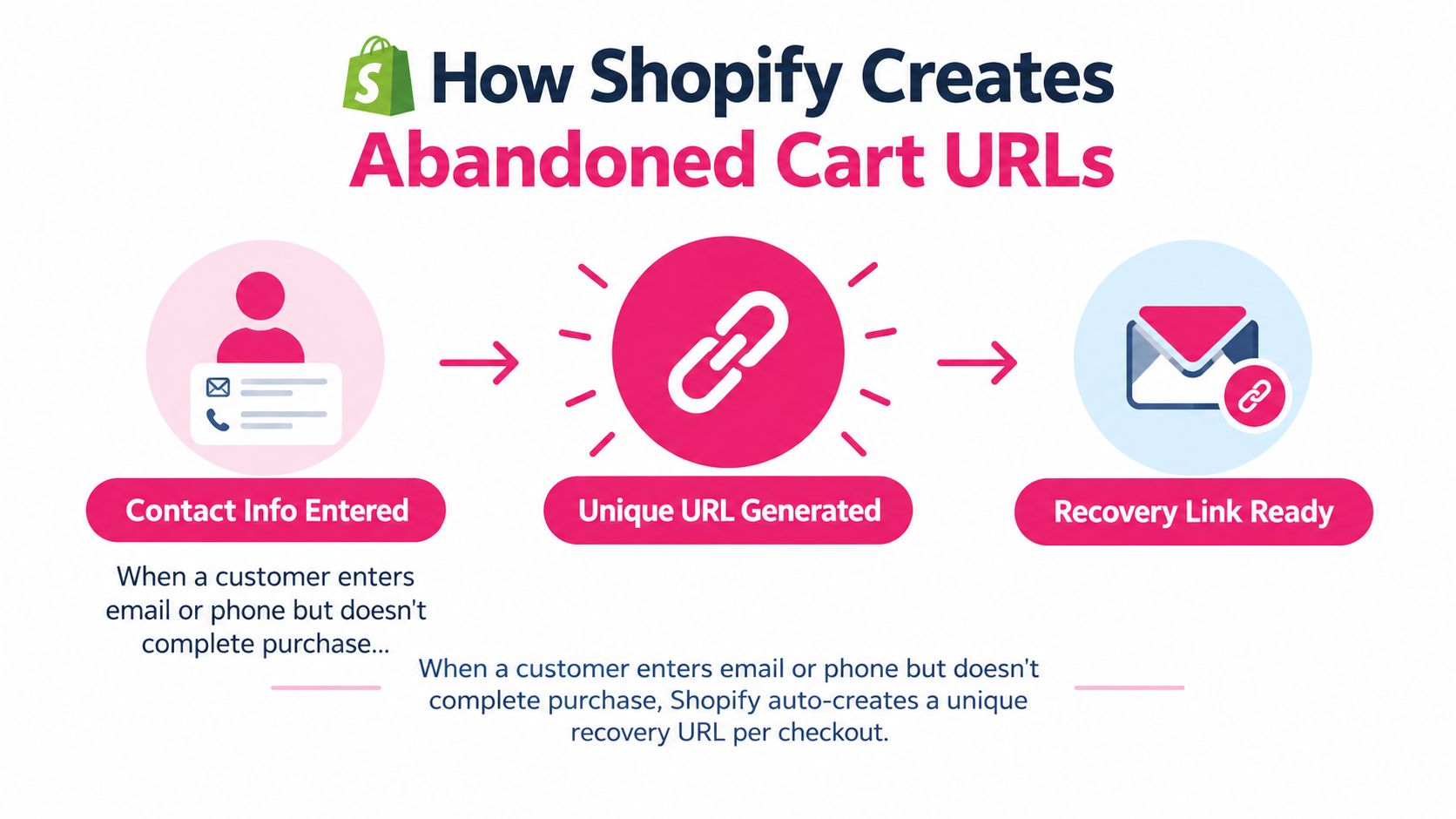
Shopify exposes this object through its abandoned-checkout resources. In the Admin REST API, the abandoned_checkout_url field contains the recovery link sent to the customer. Shopify’s example structure includes a checkout recovery path such as /checkouts/.../recover?key=..., which is why copying the full value matters. Trimming the path, replacing it with your store homepage, or reconstructing it manually can remove the information Shopify needs to restore the checkout.
Recovery URL versus other Shopify links
These links serve different jobs:
- Recovery URL: Returns the shopper to a specific abandoned checkout.
- Cart permalink: Builds a cart from product and variant information, but it isn’t necessarily the abandoned checkout the shopper left.
- Draft order link: Sends a customer to an order created by the merchant, rather than restoring a shopper-created checkout.
- Product URL: Displays a product page and asks the shopper to rebuild the purchase.
A recovery link can also carry practical checkout context, such as previously entered information, depending on the checkout and integration flow. That makes it more useful for recovery messaging than a generic cart or product link.
The URL’s existence doesn’t mean every abandoned browsing session can be recovered. A shopper who never reached checkout may not have an abandoned-checkout object with contact information. Similarly, an automation tool may fail to retrieve a usable link if the checkout record is incomplete, the item is no longer available, or the platform no longer accepts the session.
For checkout design decisions, review Shopify checkout page customization. The recovery link brings the shopper back, but the checkout still needs to be clear, fast, and trustworthy once they arrive.
How to Locate Your Shopify Abandoned Cart URL in Admin
For a single checkout, Shopify Admin is the quickest place to verify the link. Start with the actual abandoned-checkout record, not the customer profile or product page.
Find the record
- Open Shopify Admin.
- Go to Orders.
- Open Abandoned checkouts.
- Identify the checkout using the customer’s name, email, phone number, date, products, or order value.
- Open the checkout details.
- Look for the recovery option or abandoned checkout URL.
- Copy the complete URL without removing any query parameters.
The exact labels can vary as Shopify updates its Admin interface, but the underlying principle remains the same. You’re looking for the abandoned checkout’s recovery value, not a standard storefront address. Shopify defines the abandoned checkout around a customer entering contact information without finishing the purchase, so the record should contain enough customer or checkout detail to identify the event.
Confirm the link before sending it
Open the copied link in a private or incognito browser window. Check that the expected products load, the quantities are correct, the checkout domain looks familiar, and the page doesn’t redirect to an empty cart. Don’t test by clicking from an already active customer session, because stored cookies can hide problems that a returning shopper will experience.
For a high-volume store, manual copying won’t scale. Use the abandoned-checkout details exposed by Shopify or an approved integration that retrieves the URL dynamically for each event. Keep the record’s customer identifier and the recovery link together, so a message never sends one shopper’s checkout to another shopper.
If no URL appears, check whether the shopper entered contact information and whether the record is an abandoned checkout rather than a browsing or cart event. Also review product availability and the status of the checkout. When the record is present but the link remains unusable, don’t substitute a random product link without testing the complete recovery path. The Shopify abandoned carts recovery guide offers additional guidance for reviewing these records.
How to Generate Customize and Test Your Recovery Link
Finding a URL and preparing it for a campaign are separate jobs. The link must lead to a checkout that still makes sense to the customer at the moment they click.
Start with the original checkout
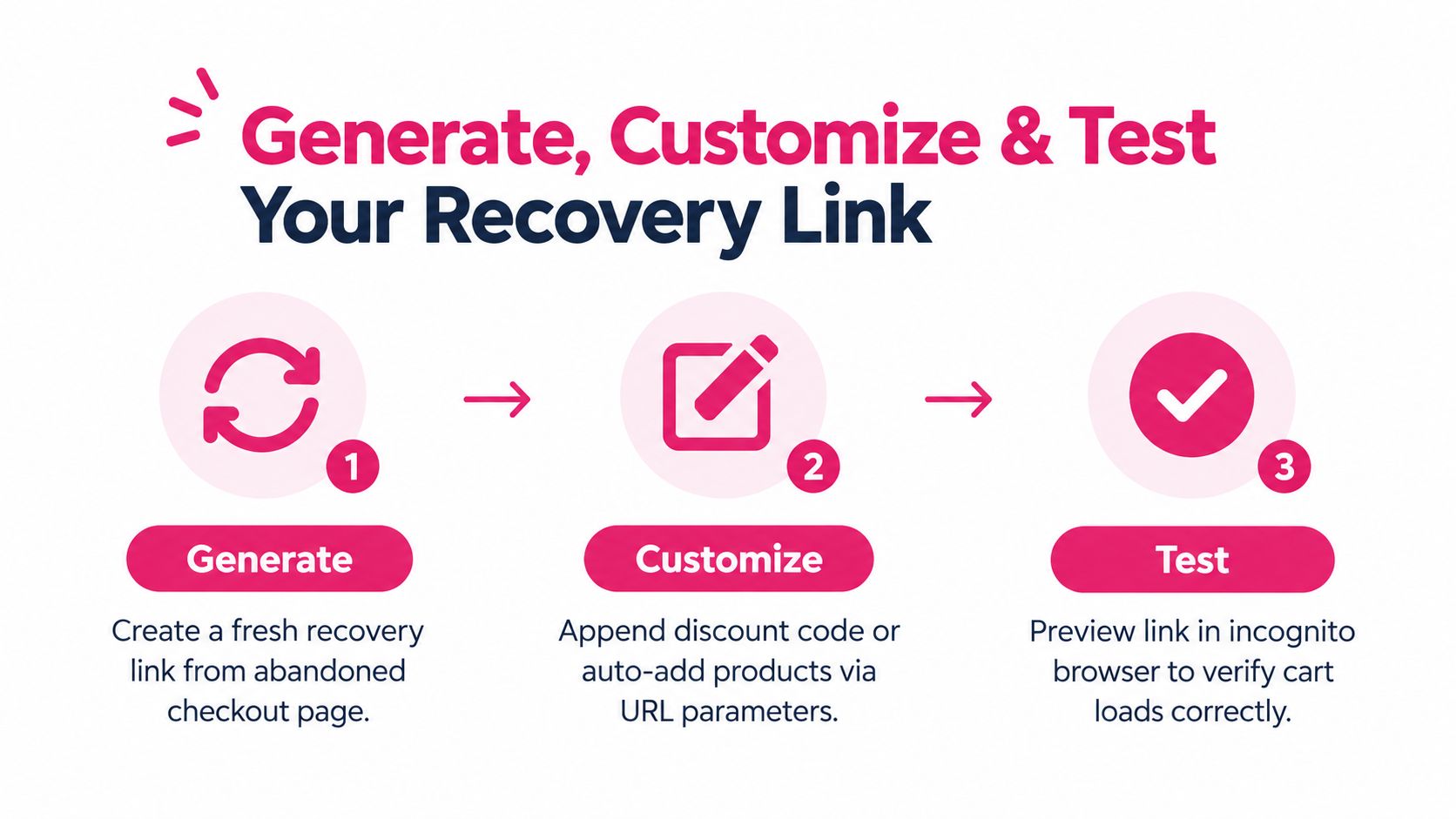
Use the abandoned-checkout record to retrieve the existing recovery URL whenever possible. If you need a fresh recovery path, work from the checkout details in Shopify or from the integration responsible for your recovery campaign. Don’t copy a partial URL from a browser address bar if the full recovery value is available in the record.
Discounts need the same care. If your campaign uses a discount code, confirm that the code is active and compatible with the products in the checkout. If your setup supports an automatic discount or URL parameter, validate the final destination rather than assuming the parameter will apply correctly. A message that promises a discount but opens a checkout without it creates avoidable distrust.
Test the customer experience
Use a private browser session and follow the link as a shopper would. Run this short quality check:
- Cart contents: Confirm every expected product and variant appears.
- Quantities: Check that the shopper isn’t returned with duplicated or missing items.
- Customer details: Verify that supported pre-filled fields appear correctly.
- Discount behavior: Confirm the code or automatic offer is visible before payment.
- Inventory: Check what happens if a product or variant is unavailable.
- Currency and shipping: Review the destination, currency, shipping options, and taxes.
- Mobile layout: Open the link on a phone, since SMS recipients will usually tap from a mobile device.
A recovery link can be technically valid while still producing a poor experience. For example, the checkout may load but reject a discount, show a sold-out variant, or ask the shopper to repeat information they expected Shopify to retain. Test the final message link, not only the raw URL in Admin.
For SMS testing, send a controlled message to an authorized test number and verify the destination, formatting, sender identity, and unsubscribe behavior. The CartBoss SMS sending test guide can help structure that QA process.
Using Your Abandoned Cart URL in SMS and Recovery Workflows
A shopper abandons a cart with a specific checkout state, not a generic link. Send that recovery URL only through a channel the shopper has permitted. A phone number saved on an abandoned checkout does not, by itself, establish SMS marketing consent. Check the checkout record and communication permission separately.
For a permitted SMS workflow, set an early reminder, a later follow-up, and a final message. Industry benchmark guidance commonly places the first SMS around 15 to 60 minutes after abandonment, followed by reminders around 24 and 48 hours, with timing adjusted for customer behavior and compliance requirements in this SMS recovery benchmark. Put the recovery URL in the first message, alongside a clear description of the products the shopper left behind.
Keep each message focused. Include the store name, cart or product context, one direct call to action, and a simple opt-out instruction where required. Apply local do-not-disturb rules, GDPR, and CCPA requirements to consent, data handling, and unsubscribe requests.
SMS can complement email because shoppers often see it quickly. Benchmark summaries report that 93% to 98% of delivered SMS messages are viewed within about three minutes, while one 2026 summary reports a 97.2% median open rate in that window in this SMS marketing statistics overview. The same source reports an 18.4% median click-through rate for abandoned-cart SMS, and says sending the first message within 30 minutes outperformed 1-hour and 24-hour delays by 2.1x. Treat these figures as benchmarks, not promises. Copy, consent quality, product demand, deliverability, and offer design still affect results.
| Channel | Typical Open Rate | Best First Send Time | Follow Up Cadence |
|---|---|---|---|
| SMS | 93% to 98% viewed within about three minutes | Around 15 to 60 minutes, with 30 minutes highlighted in benchmark guidance | Around 24 and 48 hours |
| Varies by audience and campaign | Early reminder after abandonment | Follow up based on engagement and consent |
Measure each message, not only total recovered revenue. Record which message contained the recovery URL, whether a discount was applied, whether the shopper clicked, and whether the checkout converted. CartBoss can automate Shopify abandoned-cart SMS with recovery links, pre-filled checkout flows, dynamic discounts, language handling, branded sender IDs, do-not-disturb controls, and analytics. It connects the per-checkout URL with a timed recovery workflow. For a broader implementation example, see Shopify SMS abandoned-cart recovery.
Quick Checklist to Turn Abandoned Cart URLs Into Revenue
A reliable recovery program doesn’t depend on someone manually searching Shopify Admin after every abandonment. Build a repeatable operating routine around three jobs: locate, test, and automate.
Use this checklist before launching or reviewing a campaign:
- Locate the correct record: Open the abandoned checkout and match the customer, products, and checkout details.
- Copy the complete URL: Preserve the full recovery path and query parameters.
- Test privately: Use incognito mode and a mobile device to confirm the checkout loads correctly.
- Validate the offer: Check discount eligibility, inventory, currency, shipping, and expiry conditions.
- Separate consent from reachability: Send SMS only when the shopper has provided the required marketing permission.
- Schedule the sequence: Start with an early reminder, then use later follow-ups only when they remain compliant and relevant.
- Stop after conversion: Prevent a customer who has completed the order from receiving another abandonment message.
- Track the message: Attribute clicks, discount use, and recovered orders to the specific reminder.
- Review checkout friction: Shopify checkout research summarized by this abandonment statistics report says a single-page checkout reduced abandonment to 58.4%, compared with a 69.99% industry average, while the analyzed checkout flow shrank from 5.1 steps to 1. Use that finding as a practical reminder to remove unnecessary steps wherever your setup allows it.
A Shopify abandoned cart URL is valuable because it connects intent to a usable next action. Once your store retrieves the right link, protects consent, tests the destination, and measures each message, cart recovery becomes a controlled operating system rather than a last-minute scramble.
CartBoss connects Shopify abandoned checkouts to automated SMS reminders that return shoppers to pre-filled checkout links, with features for dynamic discounts, localized messaging, consent controls, and recovery analytics. Visit CartBoss to connect your abandoned cart URLs to a workflow that can run without manual copying.